
Choose a package and install it
Select the RPM or DEB package for your AMD64 or ARM64 system, then install it with your distribution's package manager.
Download Aquila VPN for Linux and choose the package format that fits your system.
For RPM-based distributions including Fedora, RHEL, and CentOS. Requires a 64-bit x86_64 or ARM64 system, GTK 3 runtime libraries, and Linux kernel 4.19 or later.
For DEB-based distributions including Ubuntu, Debian, and Linux Mint. Requires a 64-bit x86_64 or ARM64 system, GTK 3 runtime libraries, and Linux kernel 4.19 or later.
Open the app, choose your connection, and get protected in three simple steps.
Select the RPM or DEB package for your AMD64 or ARM64 system, then install it with your distribution's package manager.
Open Aquila VPN and sign in with an Aquila account that has an active subscription or free trial.
Choose the location that best fits your needs, connect to the VPN, and enjoy a safer, more private internet.
Built to keep your connection private, secure, and easy to use on Linux.

Automatically protect your connection when you join unfamiliar networks at cafés, hotels, airports, or other public places.
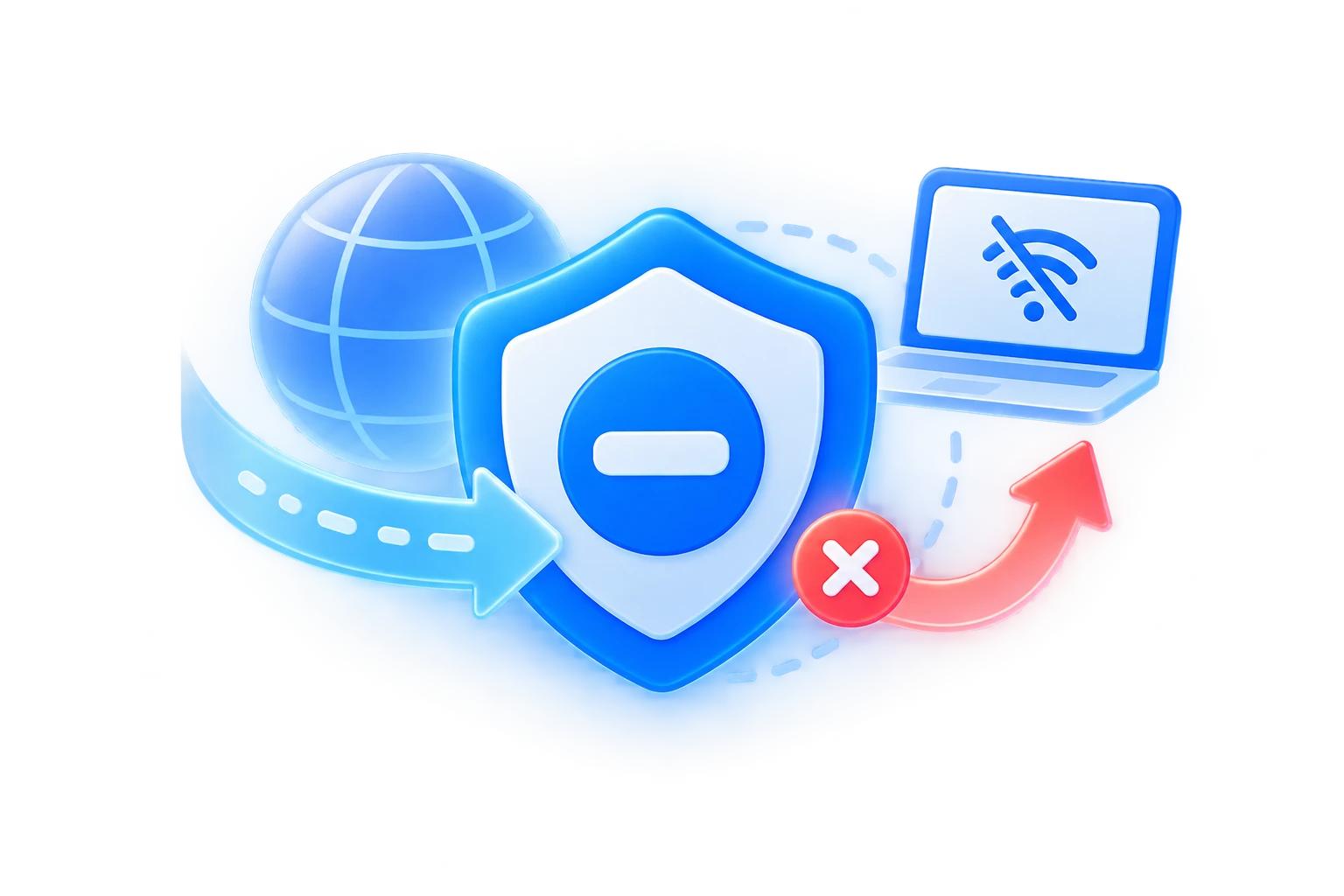
Helps prevent traffic from leaving your device unprotected if the VPN connection is interrupted unexpectedly.
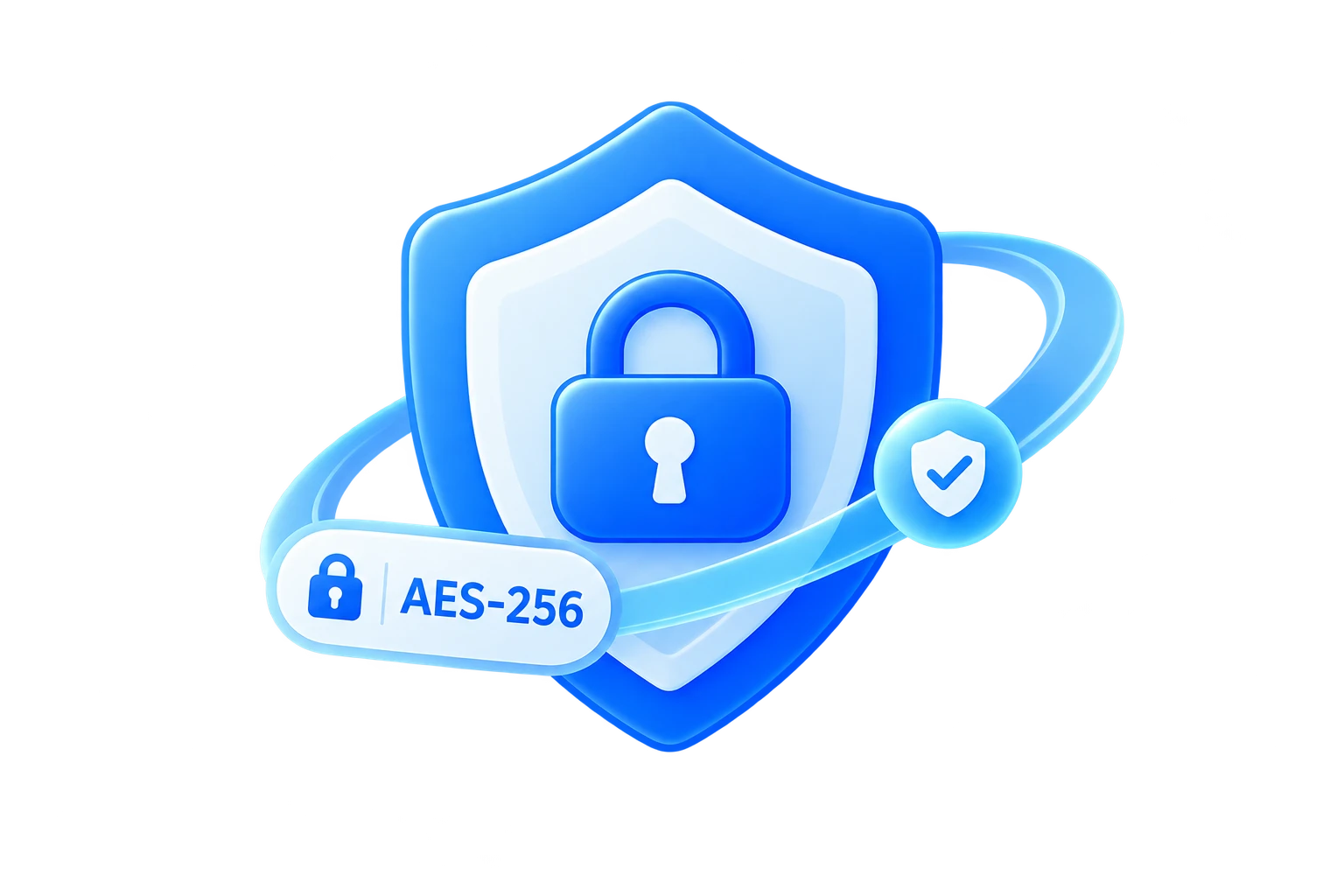
Secure your internet traffic with strong encryption designed to keep your connection private on everyday networks.
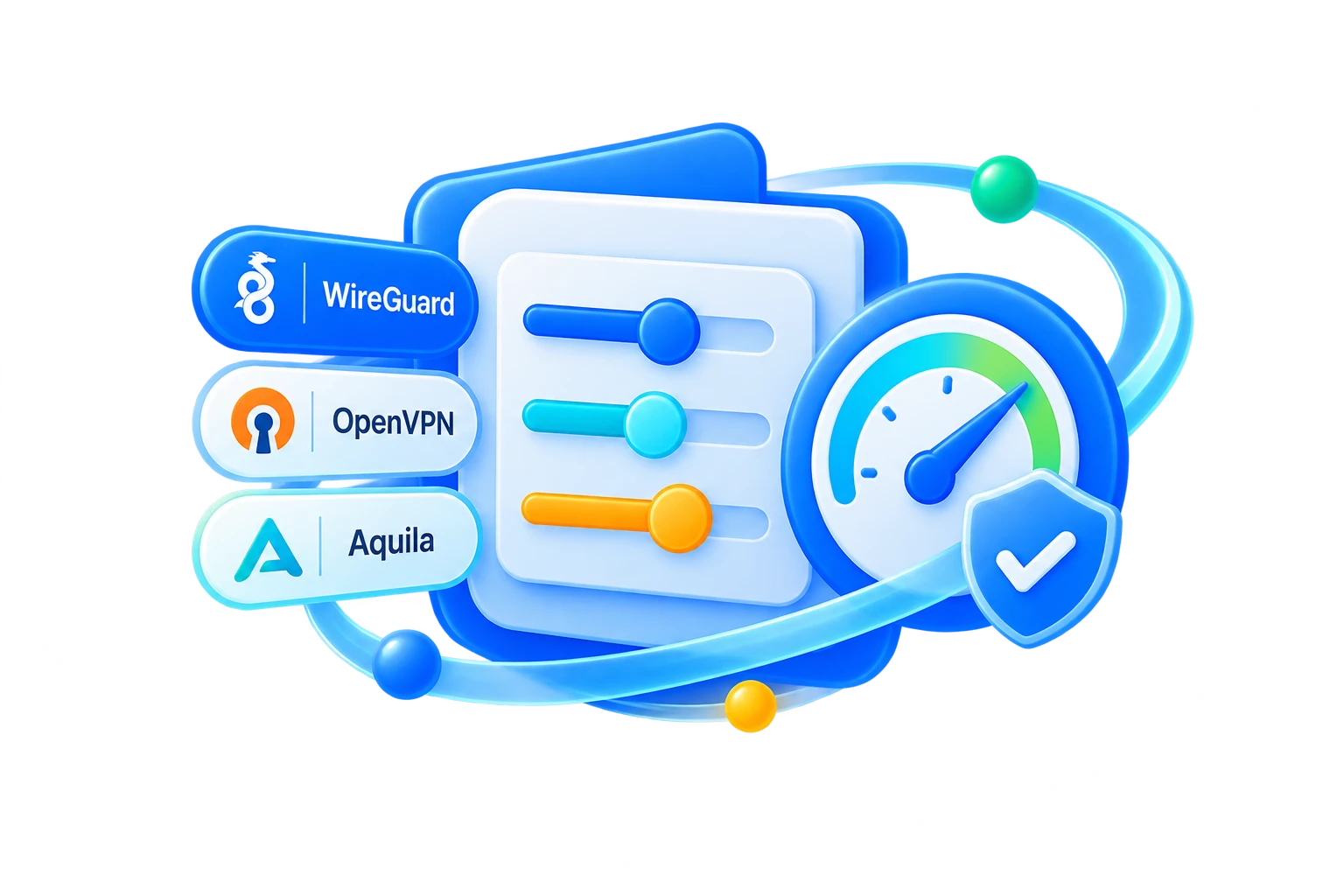
Use modern VPN protocols selected for a practical balance of speed, stability, and protection on your platform.

Keep your browsing activity and real network details more private while you work, stream, travel, or browse online.

Help protect against malicious websites, phishing links, trackers, and other online threats while you browse and connect.
Answers to common questions about Aquila VPN on Linux.
Choose the package format that matches your distribution and architecture. The available release may include .deb, .rpm, or another package format with its own installation instructions.
Install the downloaded package with your distribution's package manager, launch Aquila VPN, and complete sign-in. Keep the package channel configured so future updates are easy to apply.
The supported Linux workflow depends on the released client. Use the desktop client instructions provided for your build, and follow the release notes for any command-line or service integration.
Choose AMD64 for most 64-bit Intel and AMD computers. Choose ARM64 for compatible 64-bit ARM devices. If you are unsure, check your distribution's system information before downloading the package.
Confirm that the package matches your distribution and architecture, then install any runtime libraries listed in the release requirements. A desktop environment and the required GTK libraries may also be needed for the graphical client.