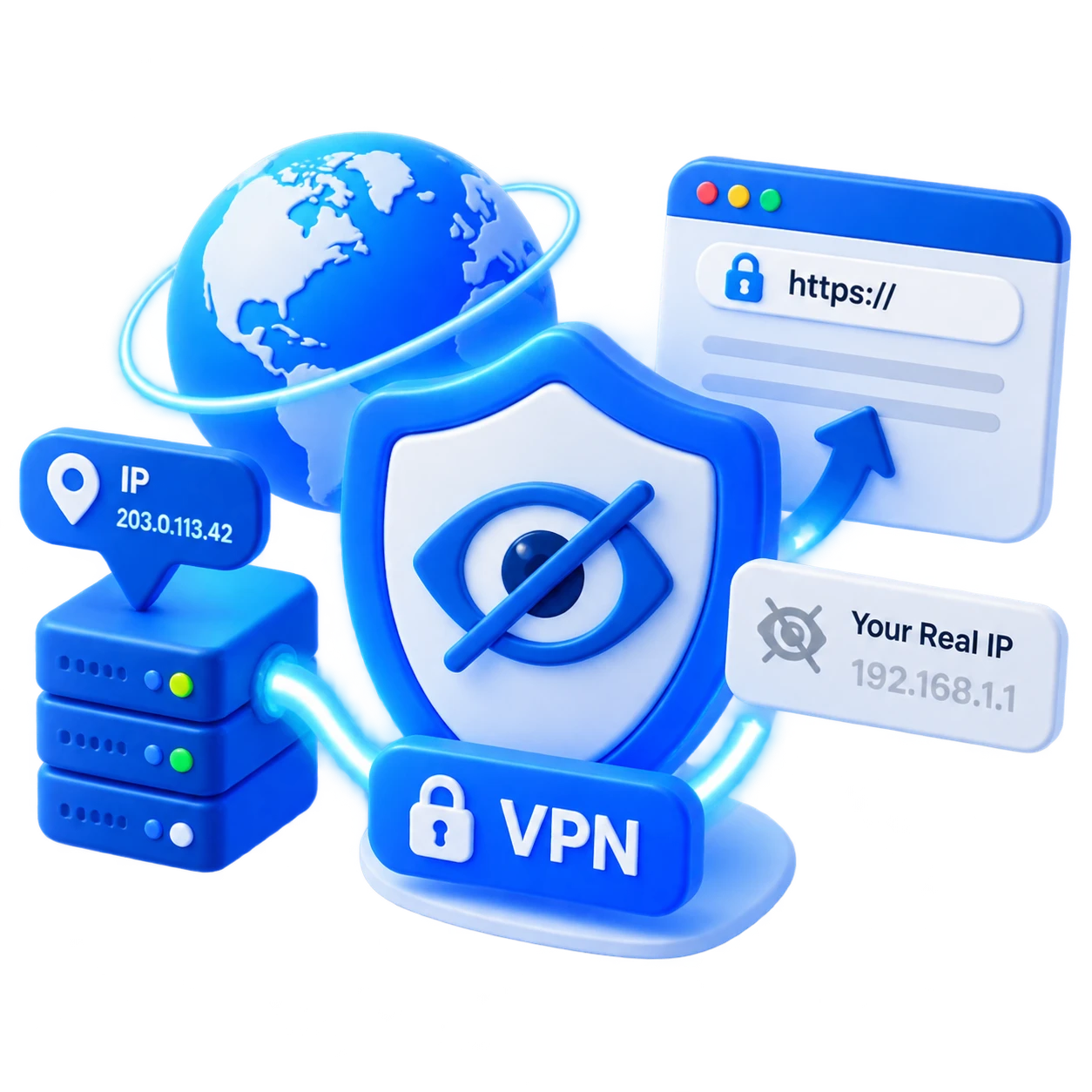
Choose the right location
Connect nearby when you want lower latency, or choose a specific country when your work, travel, or streaming needs call for a different region.
Choose from a global fleet of fast servers in 100+ countries and browse with a more private, protected connection.
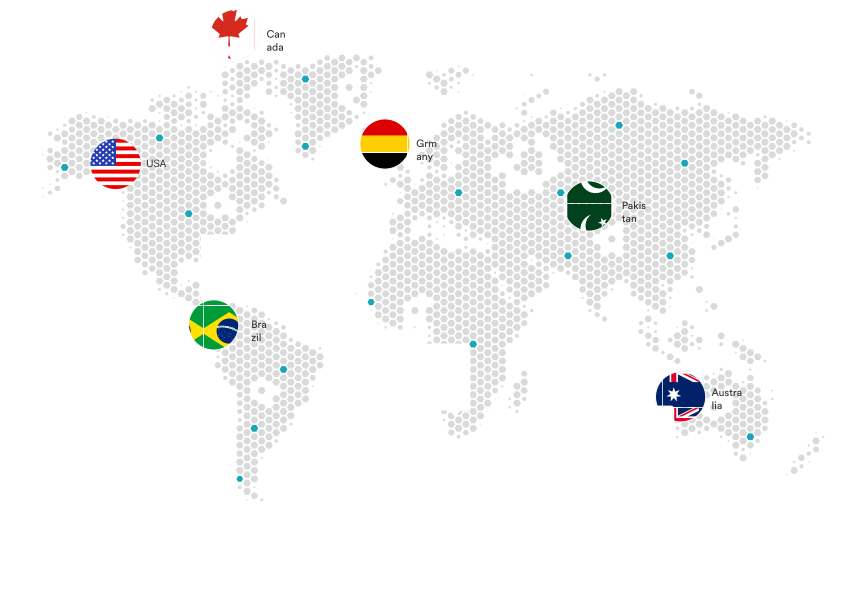
Browse our server locations and choose the connection that best matches your priorities—from everyday speed and privacy to access from a specific region.
Server availability and features may vary by location and can change as the network expands.
A VPN server is a secure relay between your device and the internet. It encrypts your traffic and forwards it through the location you choose.
When connected, websites see the server’s public IP instead of your regular one. The selected location can also affect your apparent region, latency, and connection speed.
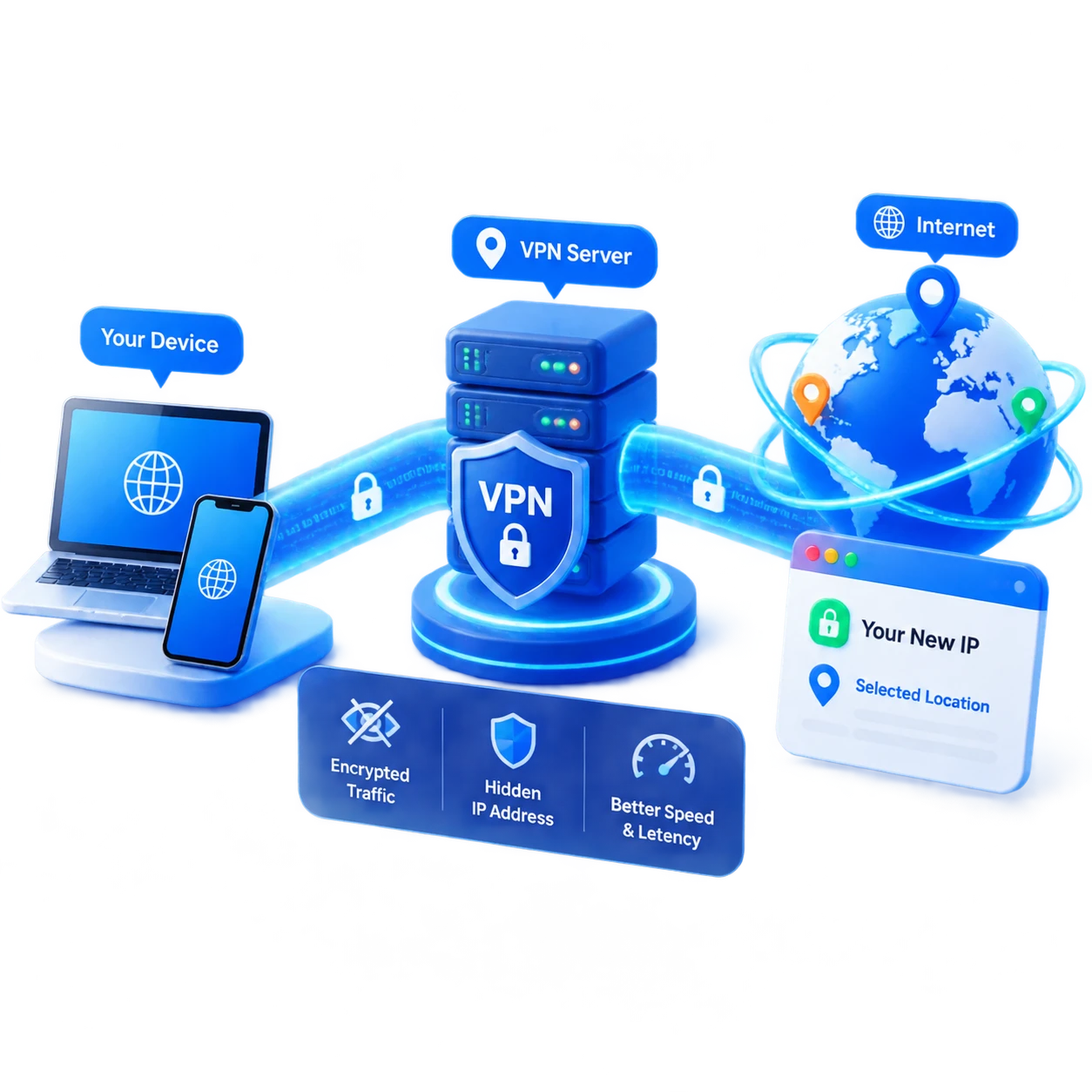
Select a location for the way you use the internet, from everyday privacy to a more predictable connection for work.
Connect nearby when you want lower latency, or choose a specific country when your work, travel, or streaming needs call for a different region.
Aquila VPN encrypts your connection between your device and the VPN server, helping reduce exposure when you use café, hotel, airport, or other shared Wi-Fi.
Websites generally see the public IP address of the VPN server instead of your regular connection address while the VPN is active.
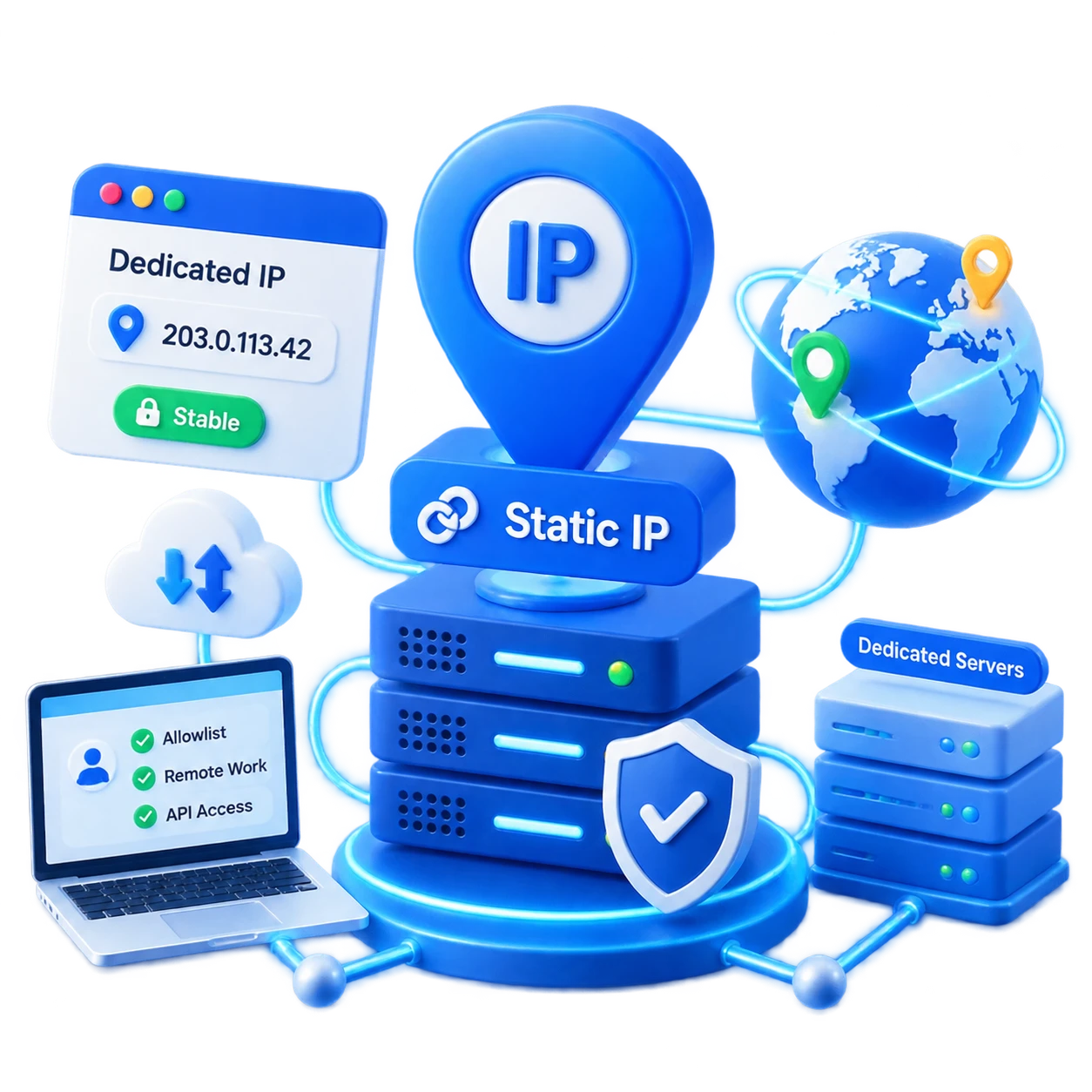
Supported Static IP and Dedicated IP locations can provide a steadier connection endpoint for allowlists, remote work tools, and other services that need a predictable address.
Answers to common questions about Aquila VPN server locations.
For the best everyday speed, start with a recommended or nearby server. If you need a specific country for work, travel, or streaming, choose that location and compare the connection status after connecting.
Usually, a nearby server can reduce latency and improve responsiveness, but speed also depends on your internet provider, network congestion, server load, and the route between you and the server.
Yes. Open the Aquila VPN location list, choose another country or city, and reconnect. Your public IP address and the location websites associate with your connection may change when the new tunnel is active.
A dedicated IP location provides a reserved VPN IP address assigned to your account rather than a shared address that changes among many users. It can be useful for allowlists, remote work systems, or services that require a consistent address.
A Dynamic IP location assigns an available shared VPN IP address when you connect. The address can change between sessions, helping separate your connection from a single fixed endpoint.
A static location is designed to provide a more consistent endpoint for supported use cases. Availability, IP behavior, and account requirements can vary by location and subscription plan.
Check that your internet connection works without the VPN, confirm that your Aquila trial or subscription is active, and try a different location. Another VPN, proxy, firewall, or security filter can also interfere with a connection.
Try a nearby location, a different server in the same country, or the recommended connection. Long-distance routes, busy networks, Wi-Fi quality, and local ISP conditions can all affect performance.
When the VPN connection is active, websites generally see the VPN server’s public IP address instead of your regular public IP address. Some services may still use cookies, account information, device signals, or other data to estimate your region.
You can choose an available location that fits your needs, but access depends on the service, local laws, licensing rules, and the provider’s own restrictions. A VPN cannot guarantee access to every website or streaming catalog.
No. Features such as Dynamic MultiHop, P2P, Static, and Dedicated IP are location-specific and can change as the network expands. The server list shows the current mocked availability for this page.