 Add from Edge Store
 Add the Edge extension
Open the Chrome Web Store in Microsoft Edge, add the Aquila VPN extension, and approve the requested permissions.
Aquila VPN for Edge is coming soon. This page will hold the setup flow and download details.
Requires one of the latest two Microsoft Edge versions on Windows, macOS, or Linux. The extension will need browser network permissions and an active Aquila account when released.
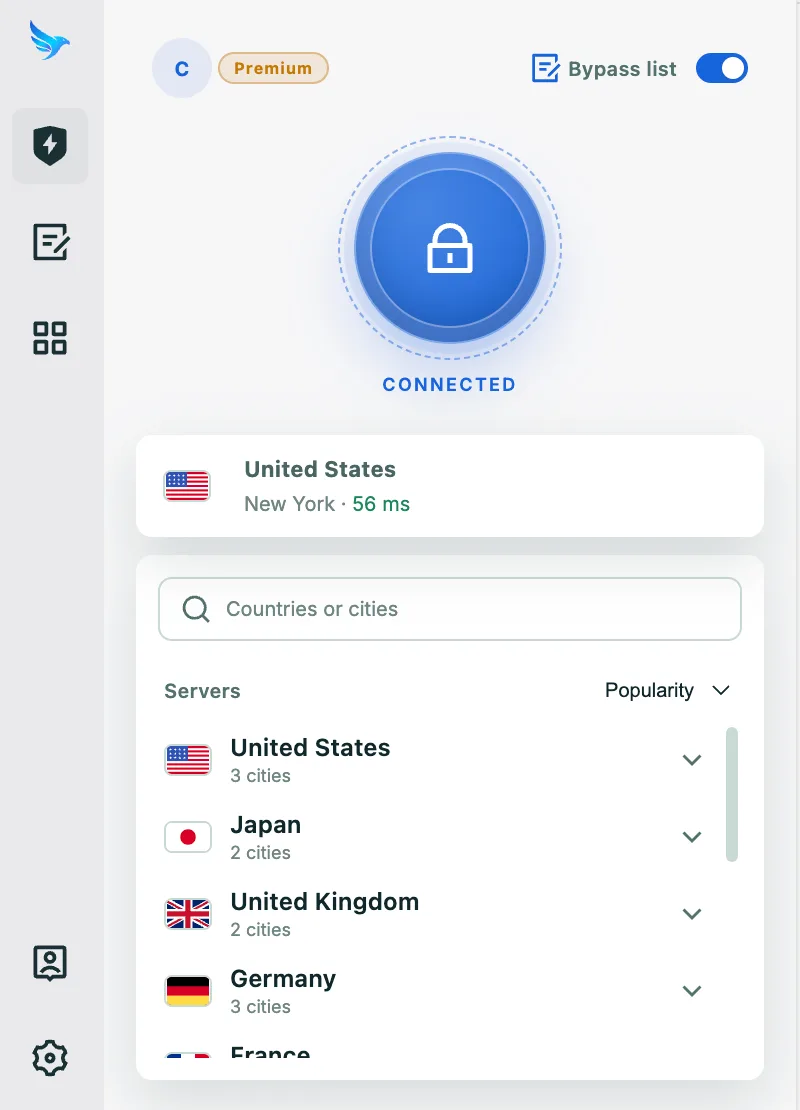
Open the app, choose your connection, and get protected in three simple steps.
Open the Chrome Web Store in Microsoft Edge, add the Aquila VPN extension, and approve the requested permissions.
Open the extension and sign in with an Aquila account that has an active subscription or free trial.
Choose the location that best fits your needs, connect from the browser toolbar, and enjoy safer browsing.
Built to keep your connection private, secure, and easy to use on Edge.

Automatically protect your connection when you join unfamiliar networks at cafés, hotels, airports, or other public places.

Helps prevent traffic from leaving your device unprotected if the VPN connection is interrupted unexpectedly.
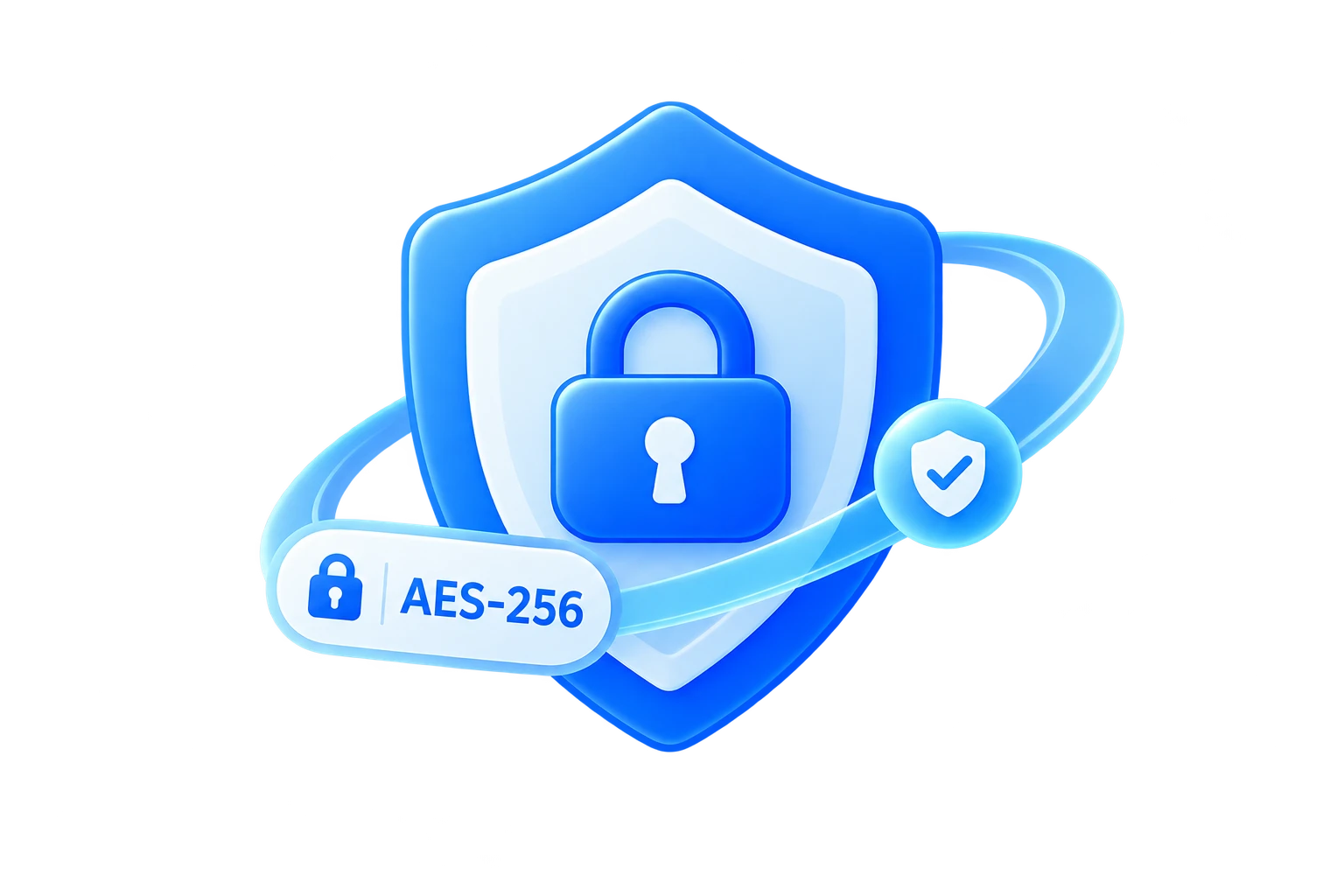
Secure your internet traffic with strong encryption designed to keep your connection private on everyday networks.

Use modern VPN protocols selected for a practical balance of speed, stability, and protection on your platform.

Keep your browsing activity and real network details more private while you work, stream, travel, or browse online.

Help protect against malicious websites, phishing links, trackers, and other online threats while you browse and connect.
Answers to common questions about Aquila VPN on Edge.
The Edge page is currently a preparation page. The official extension listing, compatibility requirements, and installation instructions will be added before release.
Browser compatibility can change between releases. Use only an official Aquila listing and follow the support guidance published for the Edge release.
The final Edge extension will provide browser toolbar controls for sign-in, location selection, and connection status.
No. The browser extension is intended for supported Edge traffic. Install the Windows client when you need device-wide VPN protection for other applications.
Edge supports extensions from compatible Chromium-based stores, but availability and permissions can change. Use the official Aquila listing and follow the final Edge installation guidance when the extension is released.