



Protect your network
Encrypt your traffic on public Wi-Fi and help reduce exposure to network monitoring, malicious interception, and advertising trackers.
Available on all major platforms. One account, all devices. Install once and stay protected wherever you go.
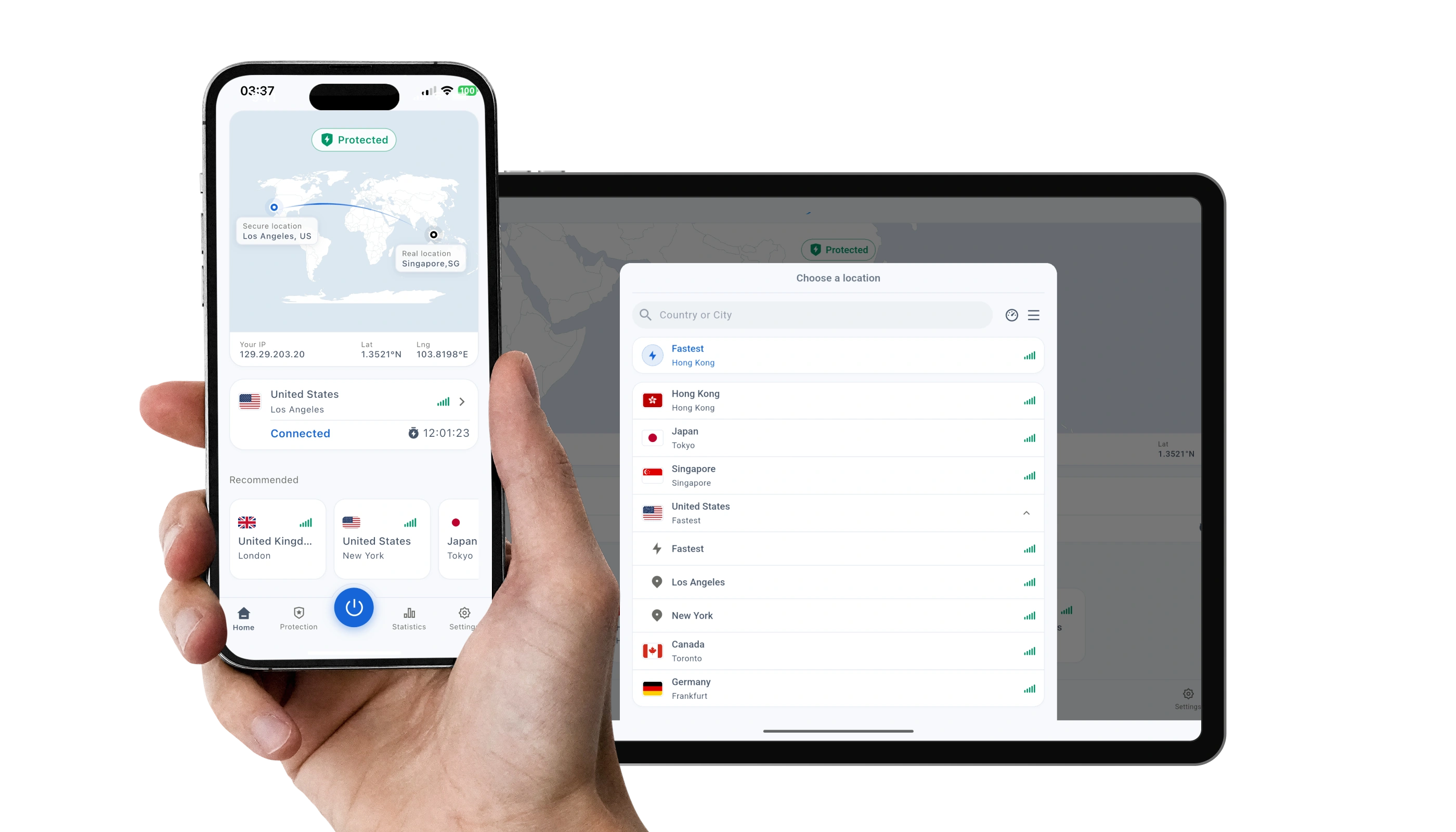
Get protected in three simple steps.
Aquila VPN helps protect your network, limit exposure of your real information, and access the internet more freely.
Encrypt your traffic on public Wi-Fi and help reduce exposure to network monitoring, malicious interception, and advertising trackers.

Keep your real IP address and approximate location less exposed while you browse, work, and use online services.
Connect through a location that works for your needs and access work tools, streaming libraries, and websites that vary by region.
Everything you need to install Aquila VPN and get connected.
Yes, the app is free to download. Using Aquila VPN requires an Aquila account and a subscription, while every new user can start with a free trial to experience the service.
Yes. Sign in with the same Aquila account on your supported devices to keep your VPN access together.
Download the installer or open the official store page for your platform, complete the installation, then sign in and connect.
You need the platform-specific app or browser extension, but your Aquila account and subscription remain the same.
Check your internet connection, update to the latest app version, and try again. You can also contact Aquila support for help.
There is very little difference. Both versions provide the same core VPN features; the main difference is how updates and platform requirements are managed.