
Download and install Aquila VPN
Download the macOS app from the official Aquila website, open the installer, and complete the setup.
Install Aquila VPN on Mac with a lightweight desktop app built for Apple hardware.
Requires macOS 10.15 Catalina or later. Supports both Apple silicon and Intel Macs. macOS may ask you to approve the app and its VPN configuration profile.
Open the app, choose your connection, and get protected in three simple steps.
Download the macOS app from the official Aquila website, open the installer, and complete the setup.
Open the app and sign in with an Aquila account that has an active subscription or free trial.
Choose the location that best fits your needs, click Connect, and enjoy a safer, more private internet.
Built to keep your connection private, secure, and easy to use on macOS.

Automatically protect your connection when you join unfamiliar networks at cafés, hotels, airports, or other public places.

Helps prevent traffic from leaving your device unprotected if the VPN connection is interrupted unexpectedly.

Secure your internet traffic with strong encryption designed to keep your connection private on everyday networks.
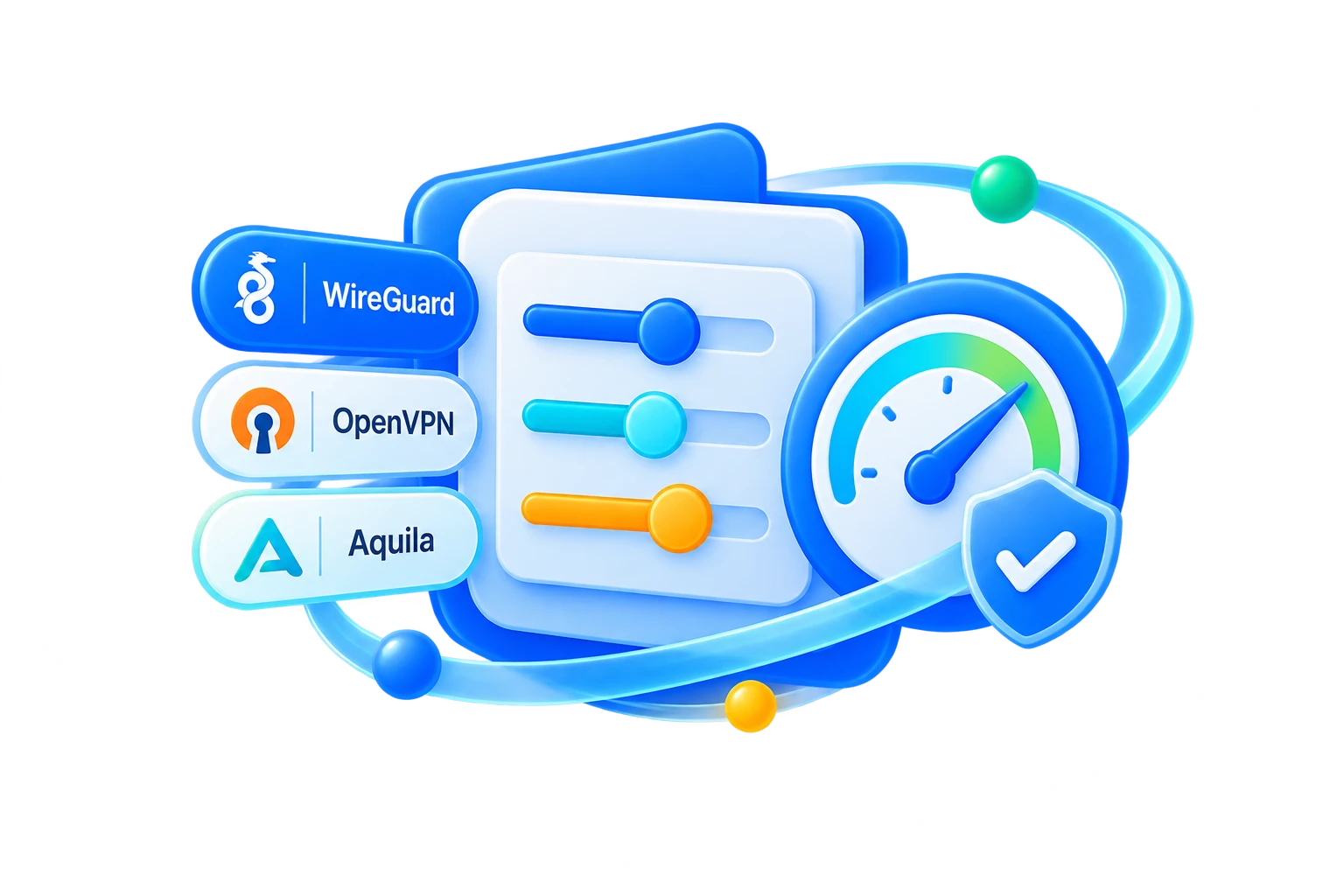
Use modern VPN protocols selected for a practical balance of speed, stability, and protection on your platform.

Keep your browsing activity and real network details more private while you work, stream, travel, or browse online.

Help protect against malicious websites, phishing links, trackers, and other online threats while you browse and connect.
Answers to common questions about Aquila VPN on macOS.
Use the macOS build that matches the release guidance on this page. When separate Apple Silicon and Intel packages are provided, choose the one that matches your Mac.
macOS protects system extensions and VPN profiles with explicit approval. Open the app from an official source and approve the requested configuration so Aquila can establish the connection.
Launch Aquila VPN, sign in, choose a server location, and connect. Keep the app running so you can check status and reconnect from the desktop workflow.
Use the build and architecture listed on this page. If the release provides a universal build, it can run on supported Apple Silicon and Intel Macs; otherwise, choose the package that matches your Mac.
Confirm that the app came from an official Aquila source, then follow the macOS security and VPN approval prompts. If another VPN, firewall, content filter, or management profile is installed, it may prevent the Aquila configuration from loading.