Download Aquila VPN
Install the Aquila VPN app on the device you use, then open it to get started.
Install Aquila VPN, choose Albania, and connect whenever you need a more private connection.
Install the Aquila VPN app on the device you use, then open it to get started.
Sign in, search for Albania, and select the city that best fits what you are doing.
Tap connect and wait for the protected status before continuing with your browsing, work, or travel plans.
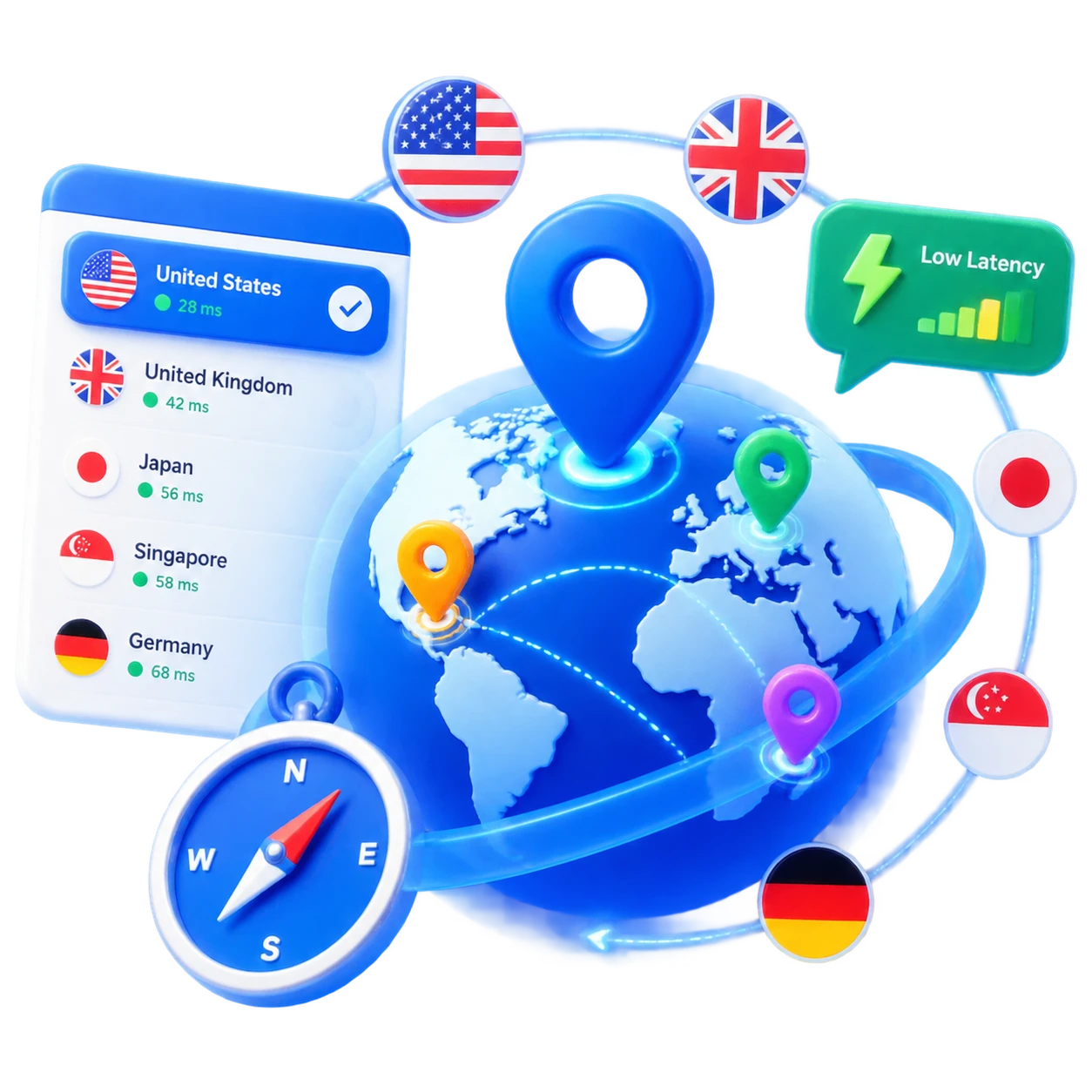
Connect nearby for lower latency, or select Albania when your work, travel, or streaming needs call for this region.
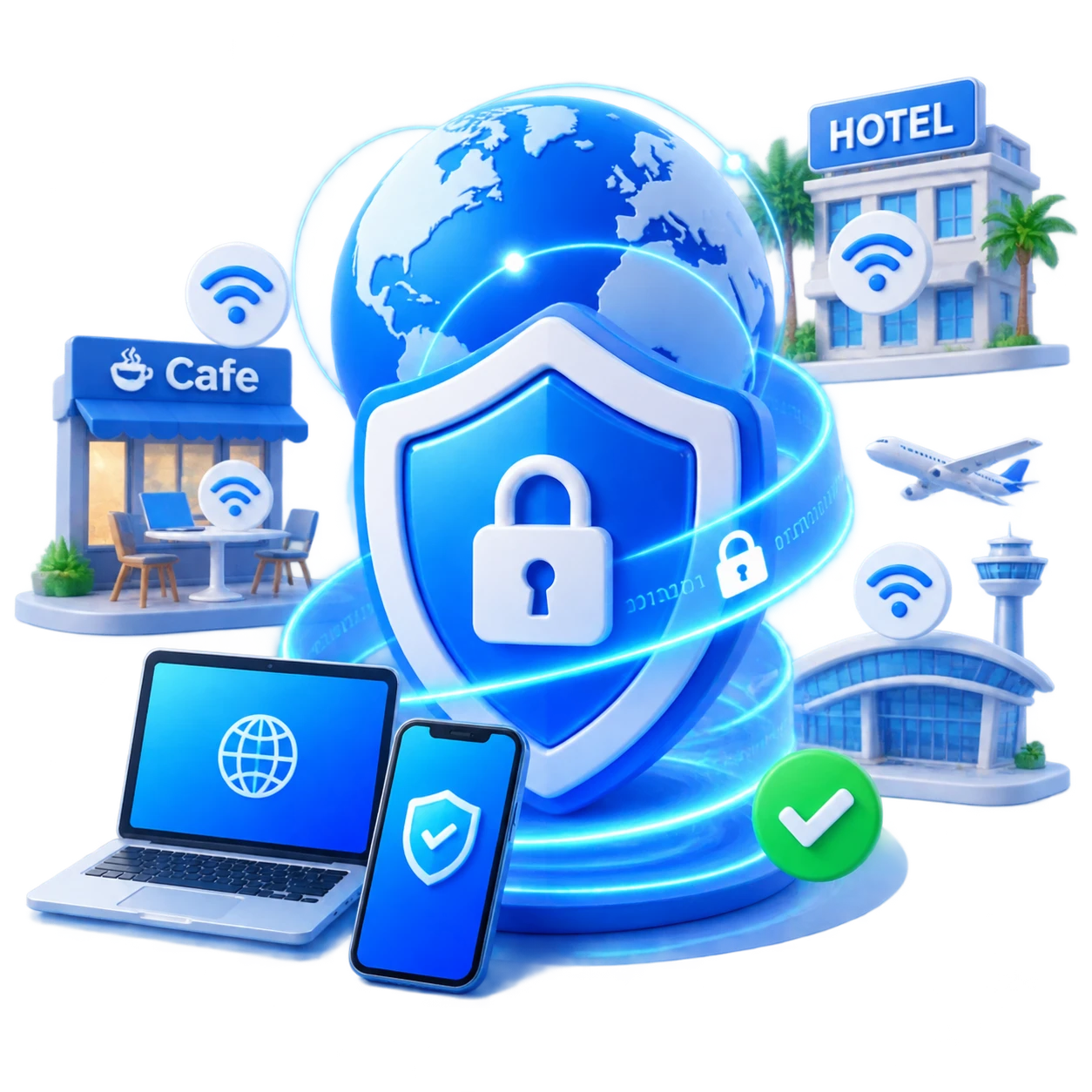
Aquila VPN encrypts the connection between your device and the VPN server, helping reduce exposure on café, hotel, airport, and other shared Wi-Fi.
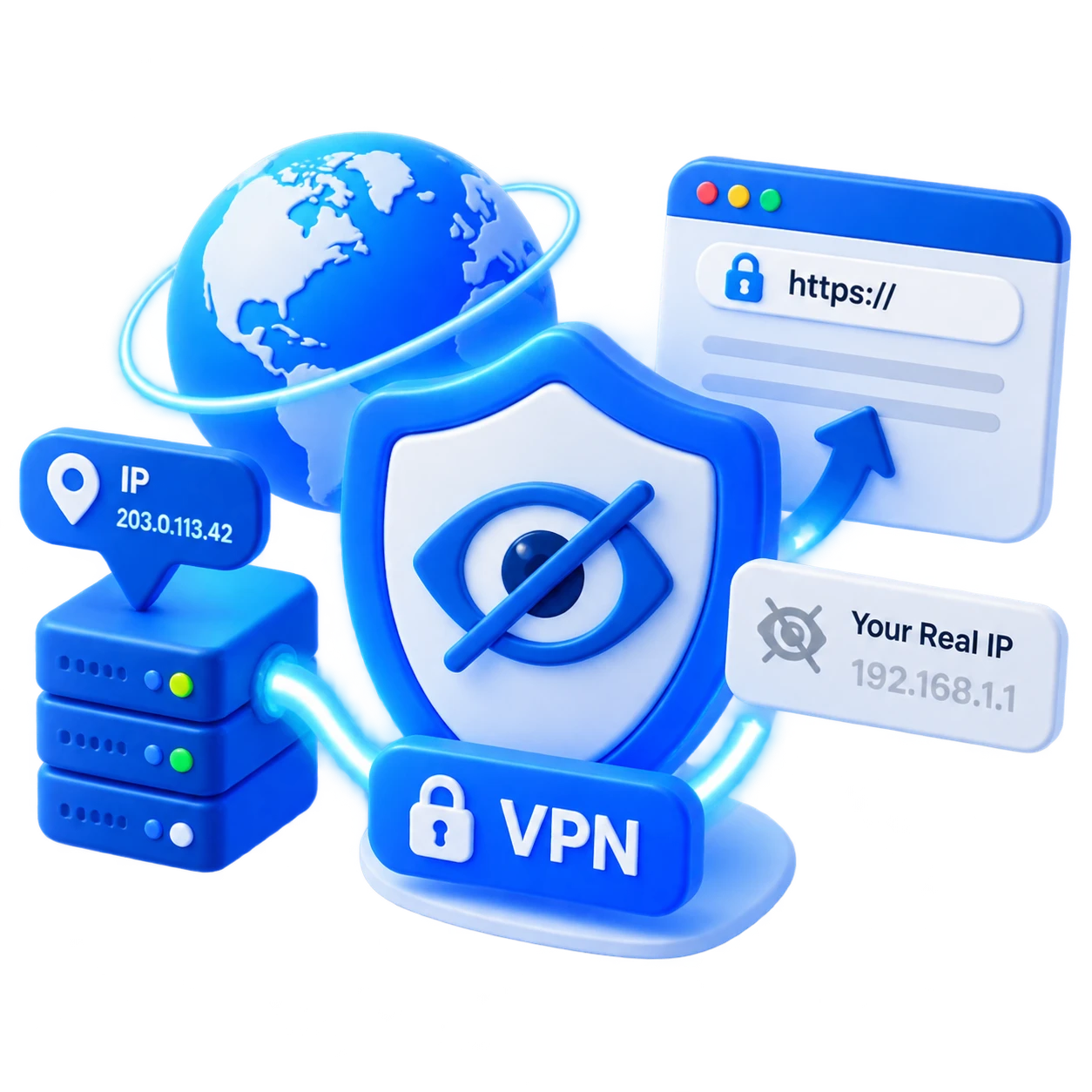
While the VPN is active, websites generally see the VPN server’s public IP address instead of your regular connection address.
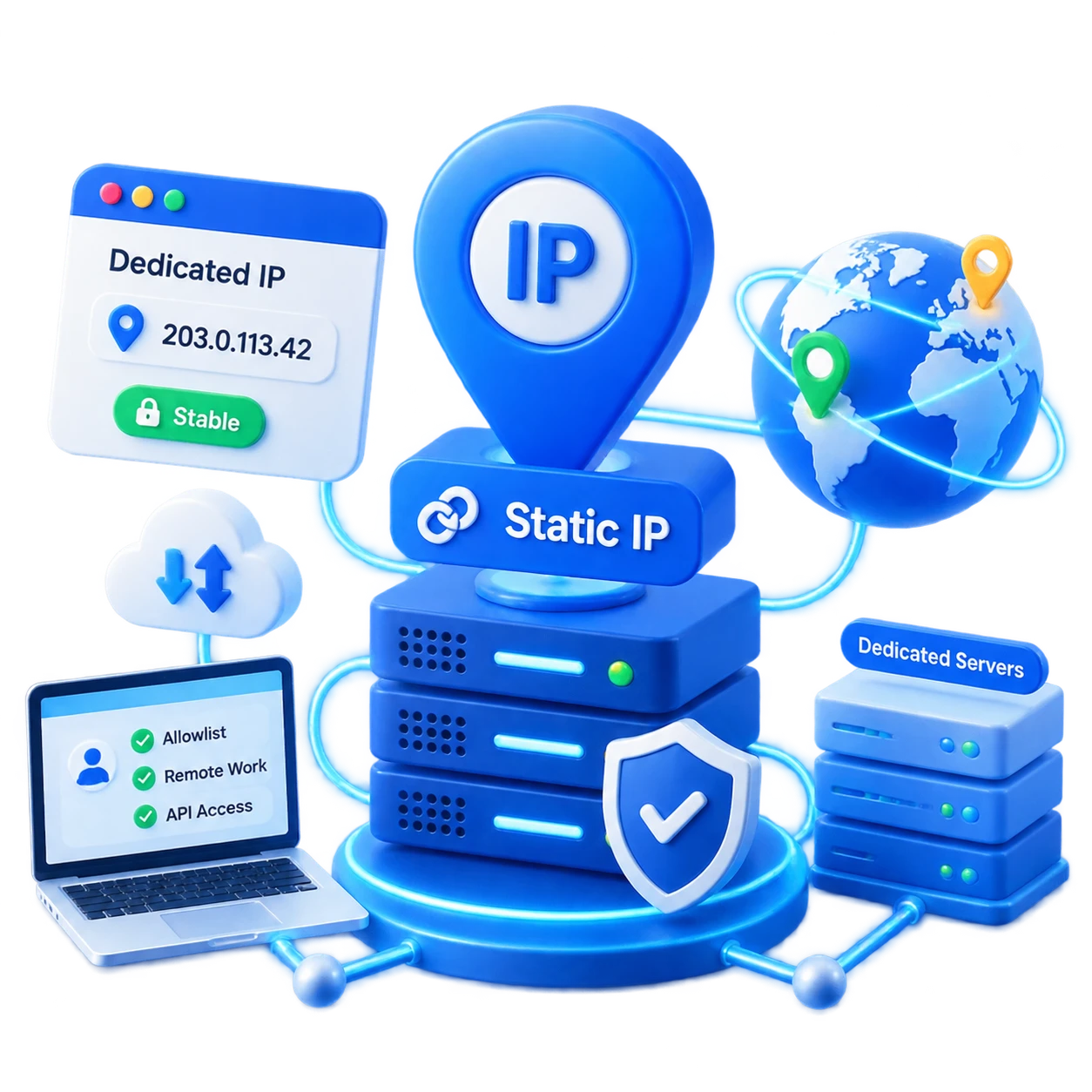
Supported Static IP and Dedicated IP locations can provide a steadier endpoint for allowlists, remote-work tools, and services that need a predictable address.
Compare locations from the Aquila VPN network and choose the country that fits the moment.
Helpful answers about using, switching, and choosing Aquila VPN locations in Albania.
Yes. Aquila VPN has server coverage in Albania. Availability can change as the network expands, so open the location list in the app for the latest status.
Start with the Albania location that is closest to the service or audience you need to reach. If more than one city is available, compare the connection after you connect and keep the one that feels most responsive.
When connected, websites generally see the public IP address of the selected VPN server instead of your regular public IP. Cookies, account details, device signals, and other information can still influence how a service identifies you.
The current Albania listing includes Dynamic IP. These options can vary by city, plan, and network capacity, so use the server list as the current availability reference.
Speed depends on your local network, distance to the server, ISP routing, Wi-Fi quality, server load, and the website or service you are using. Try another listed city or reconnect after checking your local connection.
Yes. You can change locations whenever you need from the Aquila VPN app. Reconnect after choosing another country or city, and websites will generally see the new server location once the tunnel is active.
Choose the location that suits your needs, but access depends on local laws, licensing rules, the service provider, and your account. A VPN cannot guarantee access to every work system or streaming catalog.
Aquila VPN encrypts traffic between your device and the VPN server, which can help reduce exposure on shared Wi-Fi. Keep your device updated and avoid approving unexpected sign-in or security prompts.