
Why can’t I connect to a VPN server?
A failed connection does not always mean your account is broken. Common causes include a disconnected local network, a server under maintenance, a restrictive network, outdated app software, or security software blocking the VPN service.
Work through the checks below in order. After each change, try connecting again so you can identify which step resolved the issue.
Steps
- Disconnect Aquila VPN and confirm that ordinary websites load on your current network.
- Restart Aquila VPN and install any available app update.
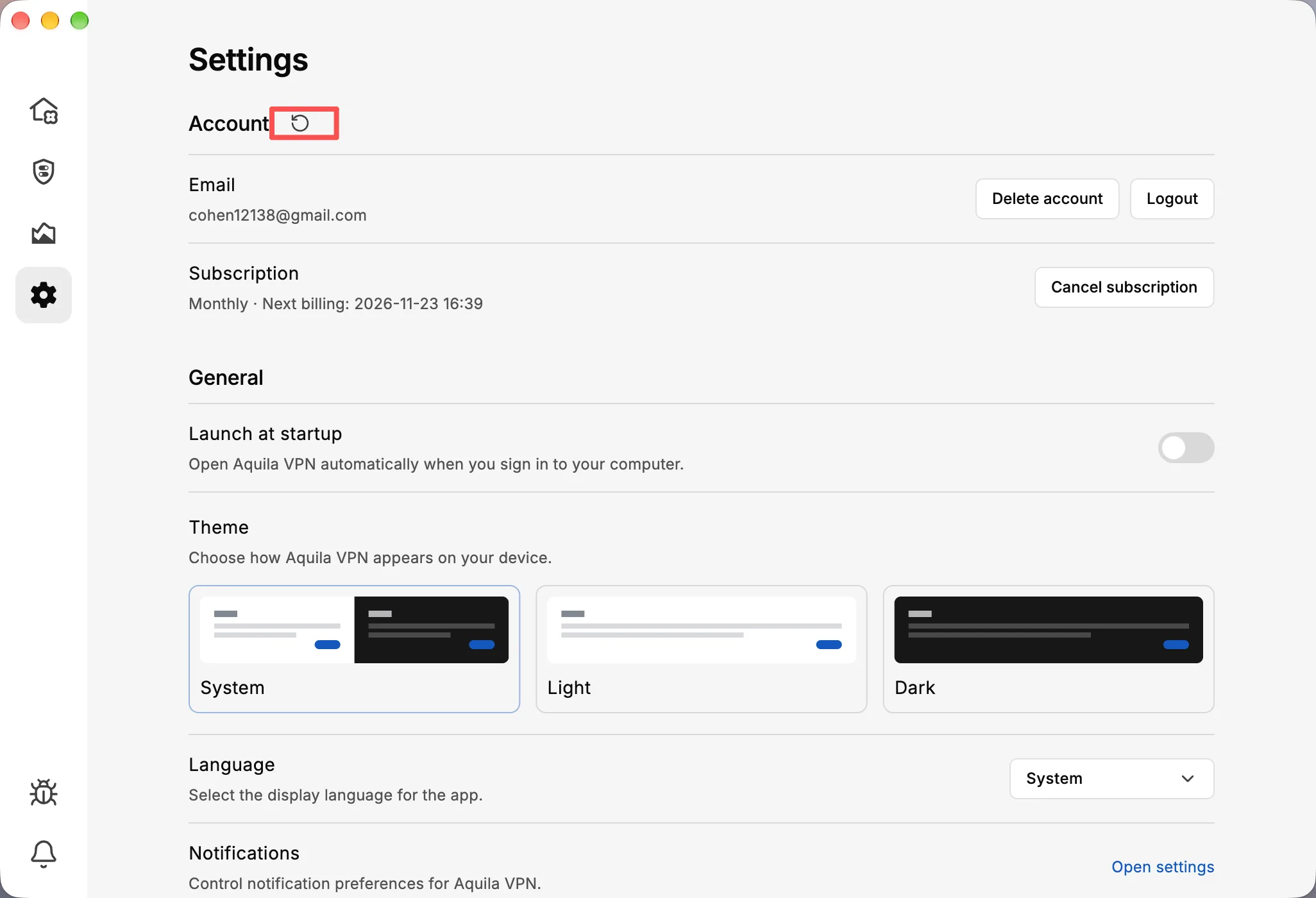
- In Settings, refresh your account data using the refresh icon next to Account. Make sure you are signed in and your subscription is active before trying to connect. Your sign-in credentials or subscription status may have expired or may not have synced yet.
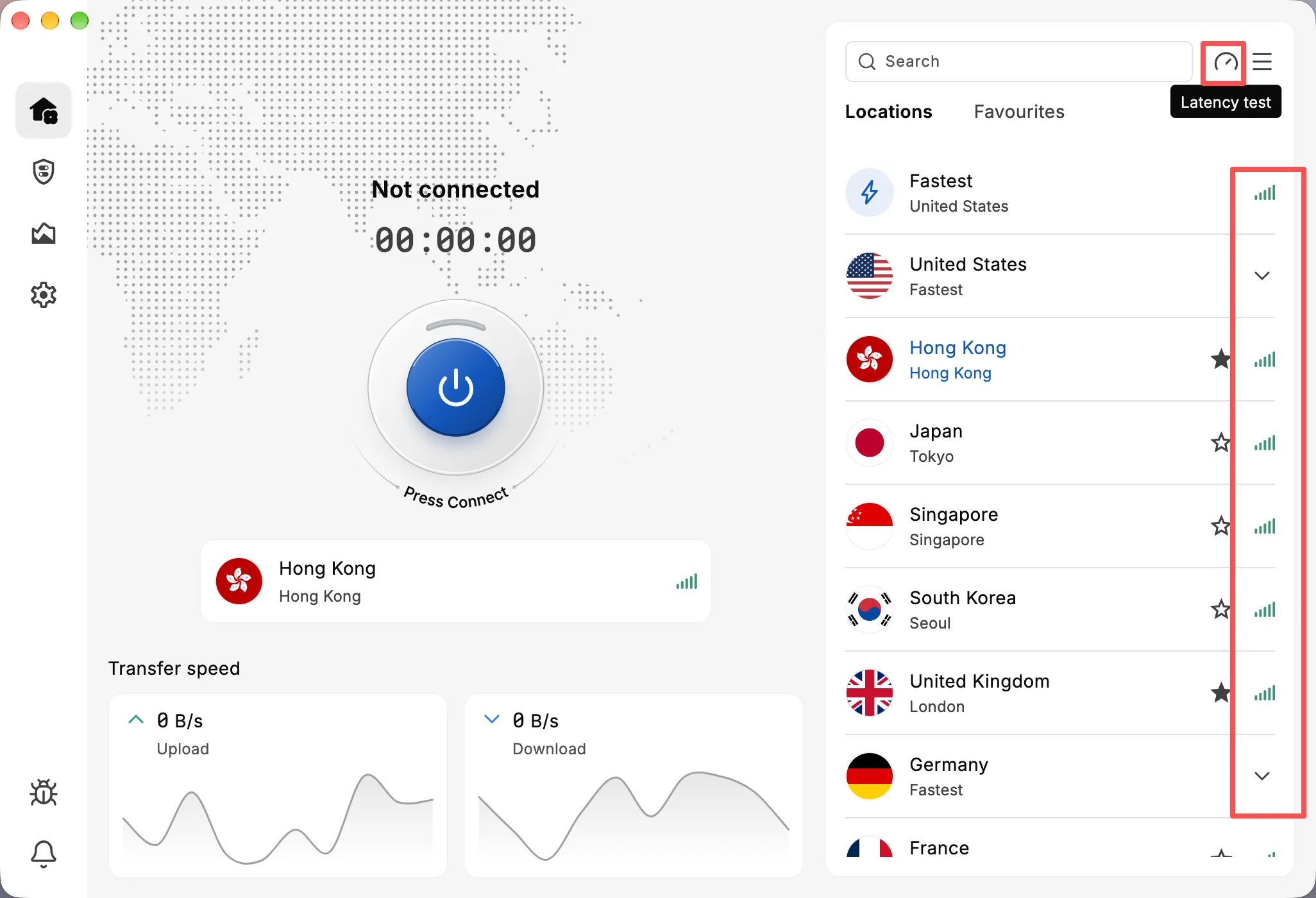
- Open the server list and run a latency test using the speedometer icon. Check the signal bars at the right of each location: more bars generally indicate a stronger connection. Choose a location with a good result; if a location has few or no bars, try another one. A chevron marks a country group you can expand, not a signal result.
- Temporarily check whether a firewall, antivirus, proxy, or captive portal is blocking the connection. Re-enable protection after the test.
- If the issue happens only on one network, try another trusted network to compare the result.
- If you still cannot connect, contact support with your operating system, app version, location, and the exact error message.