
How do I create an Aquila VPN account?
Your Aquila VPN account is the place where your subscription, protected devices, and support conversations come together. Create an account before signing in to the app so you can use the same credentials across your supported devices.
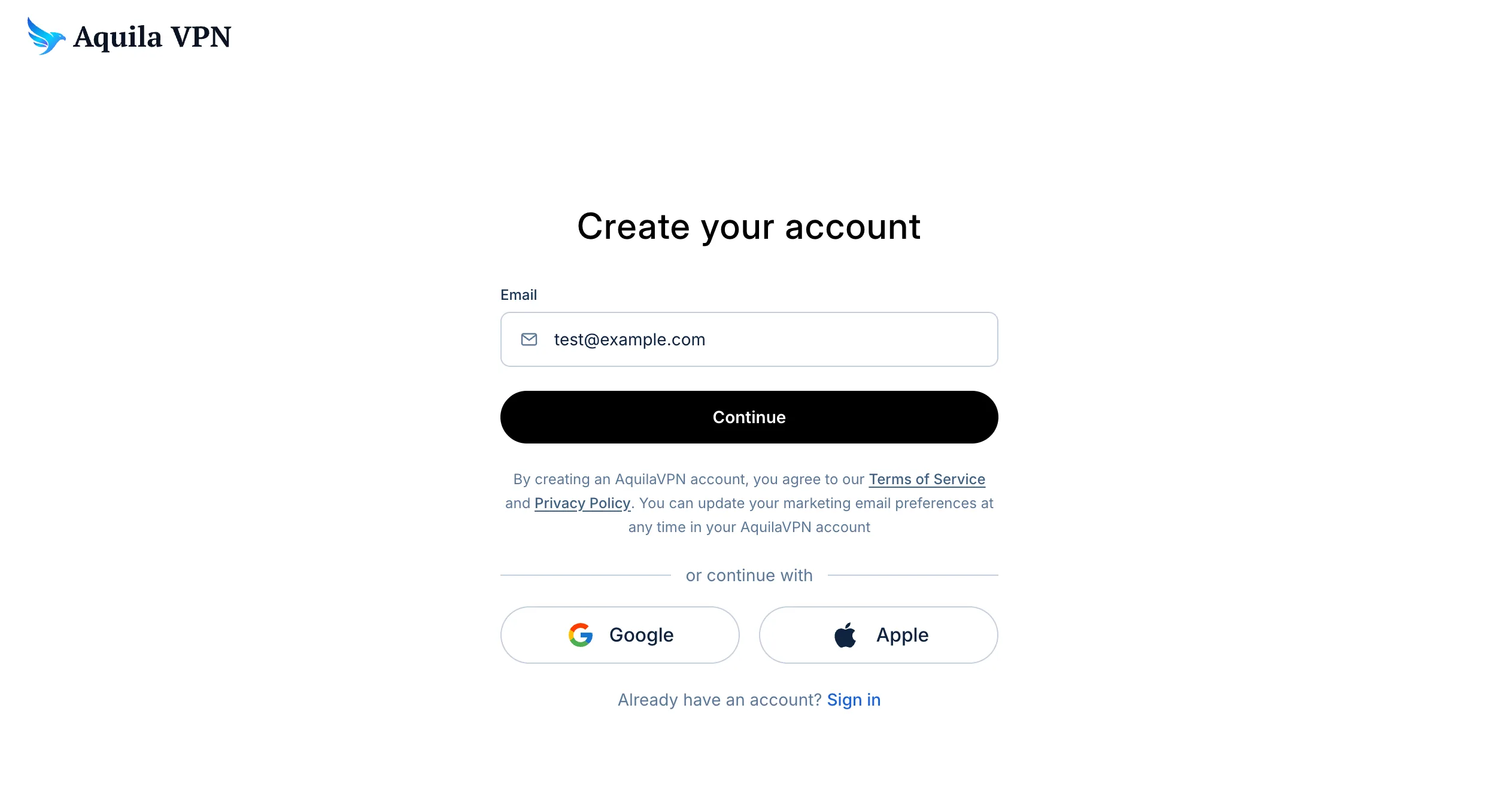
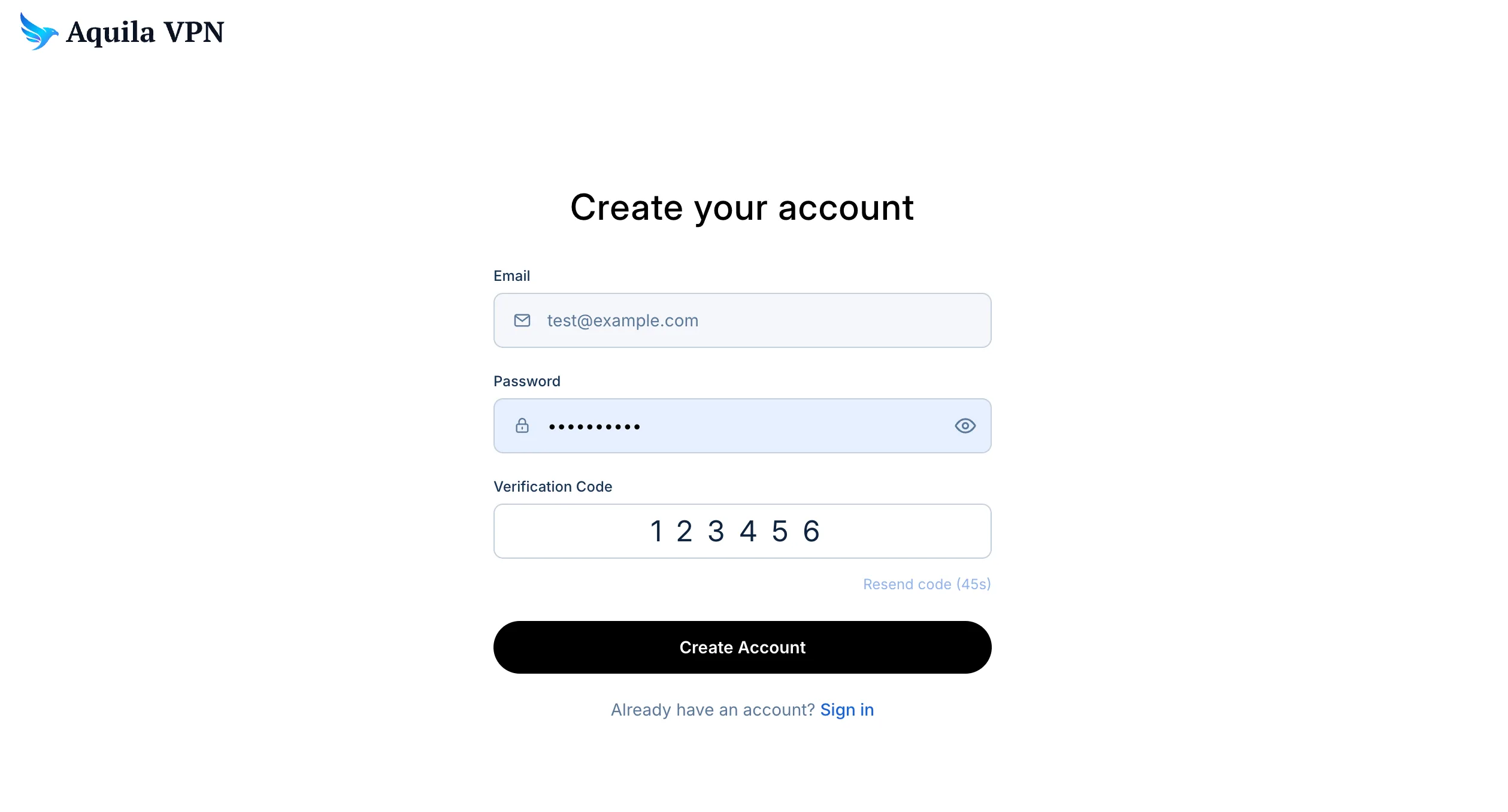
You can register with an email address and password, or continue with Google or Apple. Email registration requires you to verify your email address with a verification code. If you continue with Google or Apple using an email address that does not already have an Aquila VPN account, an account is created for you automatically.
Steps
- Open the Aquila VPN registration page. Create Account ↗
- Choose an account method: enter your email address and create a strong password, or continue with Google or Apple.
- For email registration, enter the verification code sent to your inbox to verify your email address and finish creating your account.
- For Google or Apple, complete the provider sign-in flow. If this email is new to Aquila VPN, the sign-in creates your account automatically.
- Sign in to Aquila VPN and choose a plan or start the available trial.