How do I delete my Aquila VPN account?
You can request account deletion from the Aquila VPN app. Before you continue, cancel any active subscription with the provider where you purchased it. Deleting your account does not automatically stop App Store, Google Play, or Stripe billing.
Account deletion permanently removes your account profile and VPN access and cannot be undone. Make sure you can access your account email to receive the confirmation code.
Steps
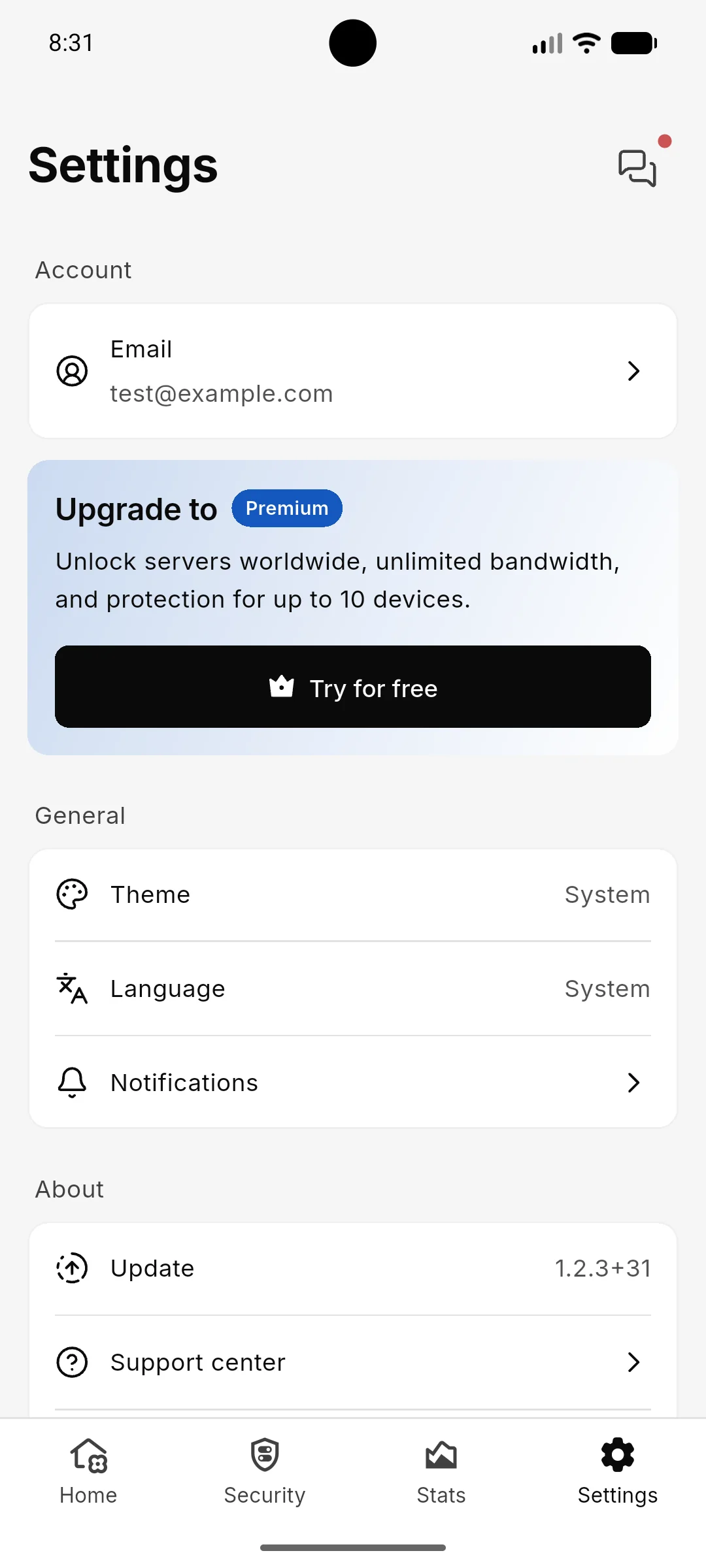
- In the Aquila VPN app, open Settings and tap the email row under Account.
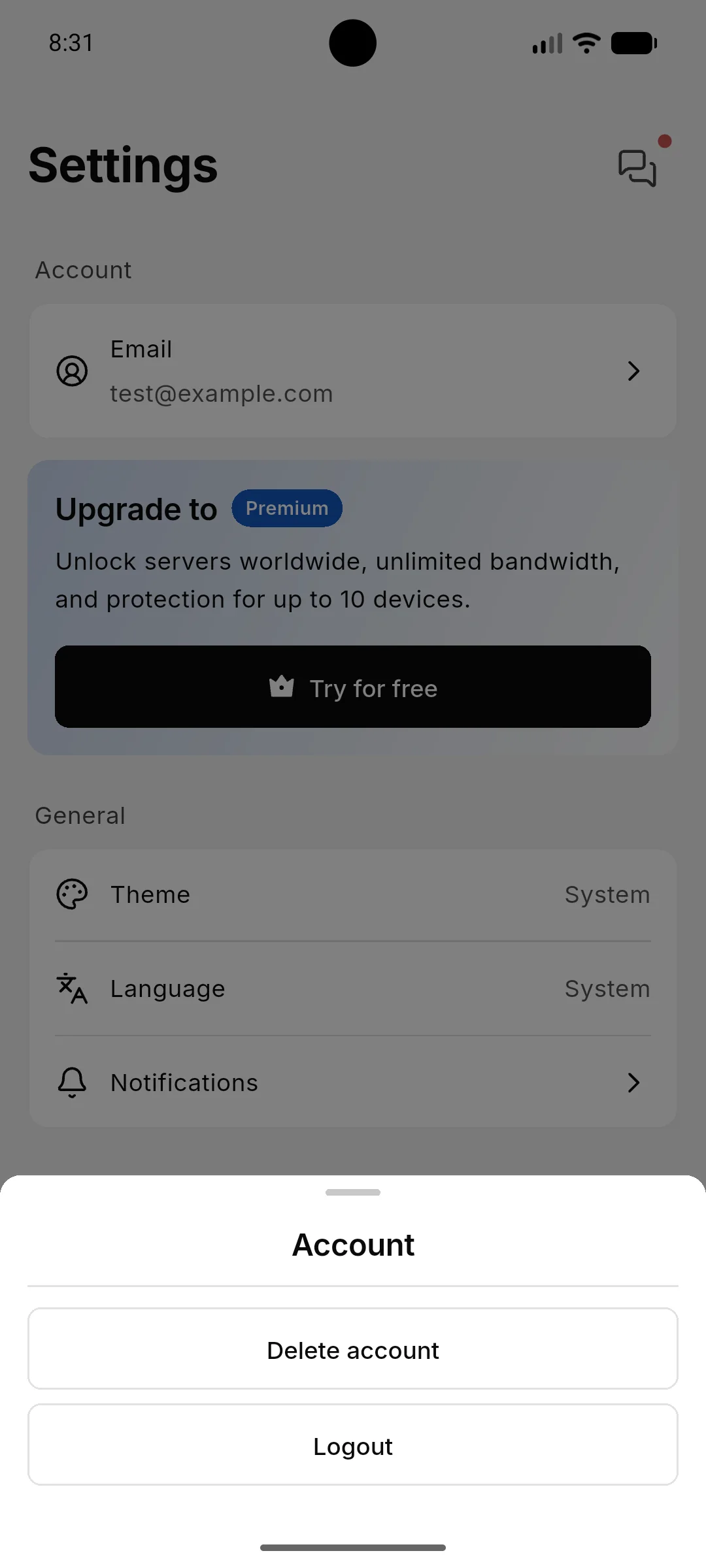
- Select Delete account from the account menu.
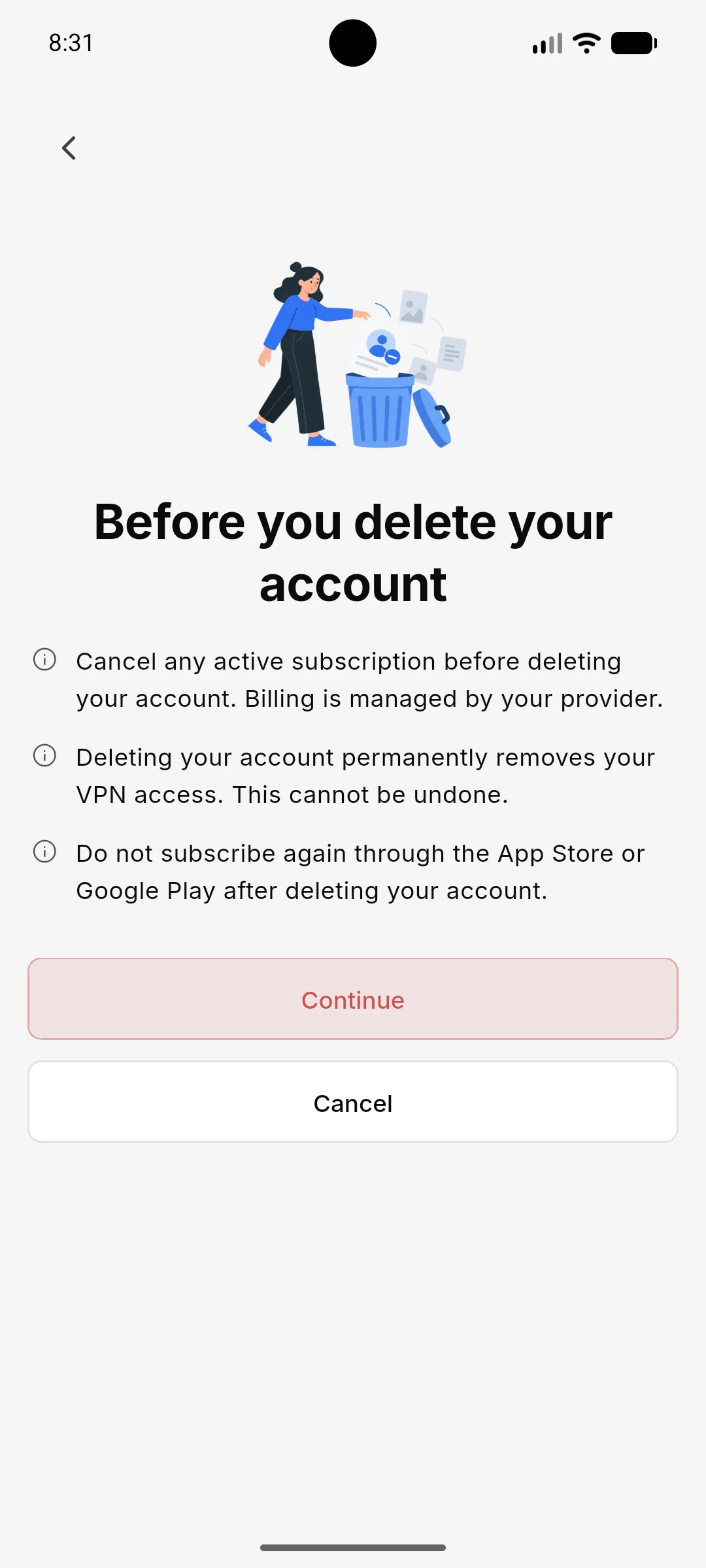
- Read the deletion notices before continuing. Cancel any active subscription with its billing provider first; deleting your Aquila VPN account does not cancel billing.
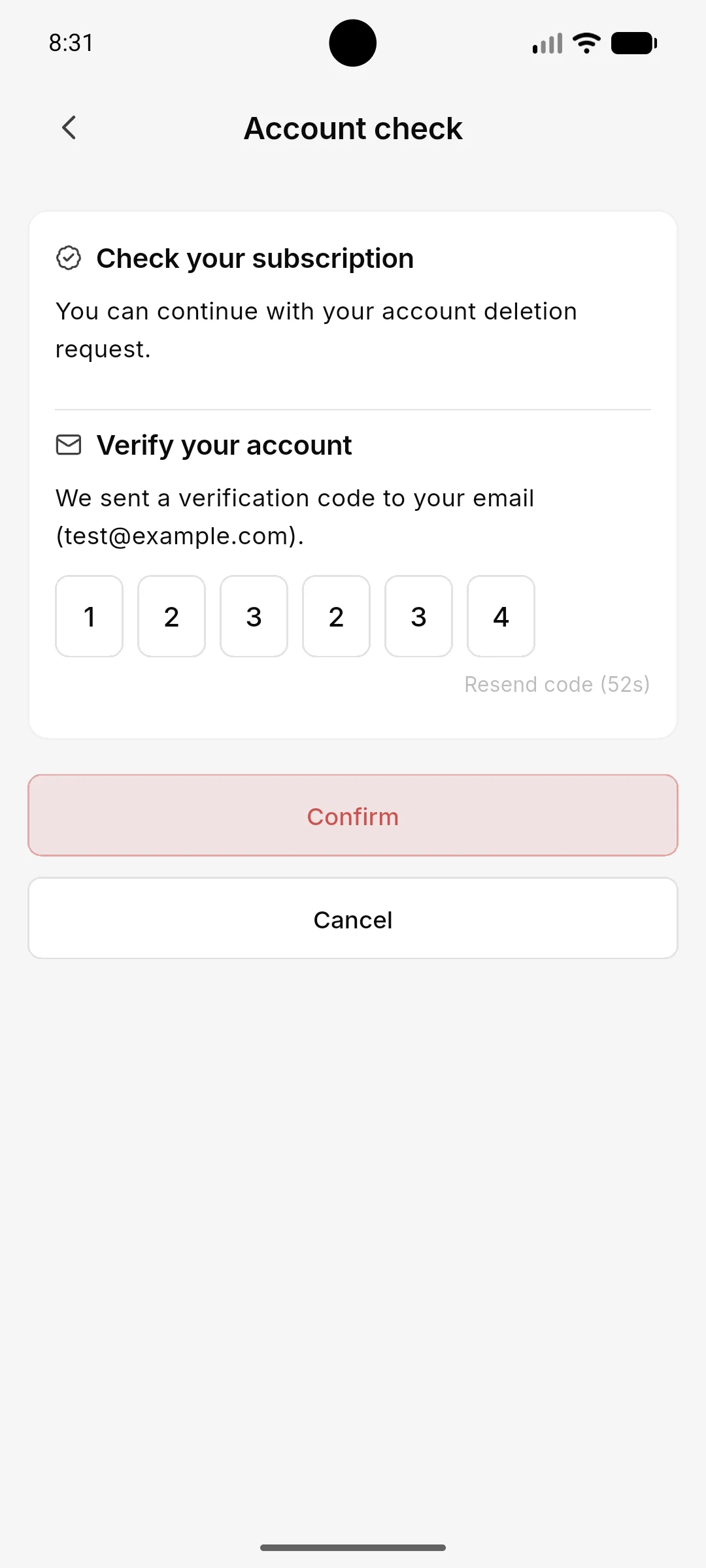
- After the account check confirms you can continue, enter the valid six-digit verification code sent to your email and confirm the deletion. You will be signed out when it succeeds.