How do I set up Aquila VPN on Android?
Requires Android 7.0 (API 24) or later. Supported processor architectures are ARM (armeabi-v7a), ARM64 (arm64-v8a), and x86_64.
Follow these steps to install Aquila VPN, sign in, and make your first connection on Android. Some system prompts and menu names may vary by version or device.
Steps
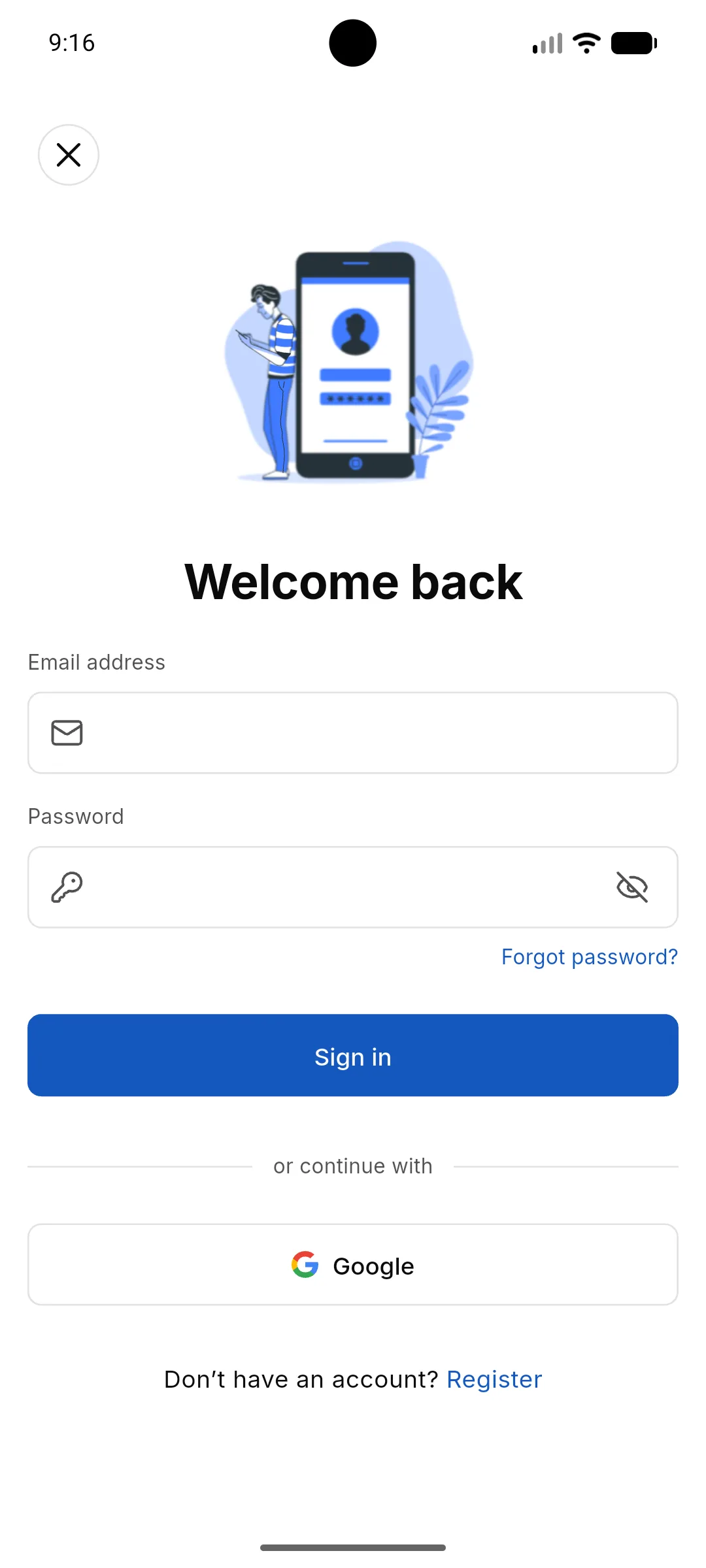
- Sign in to your Aquila VPN account on the sign-in page.
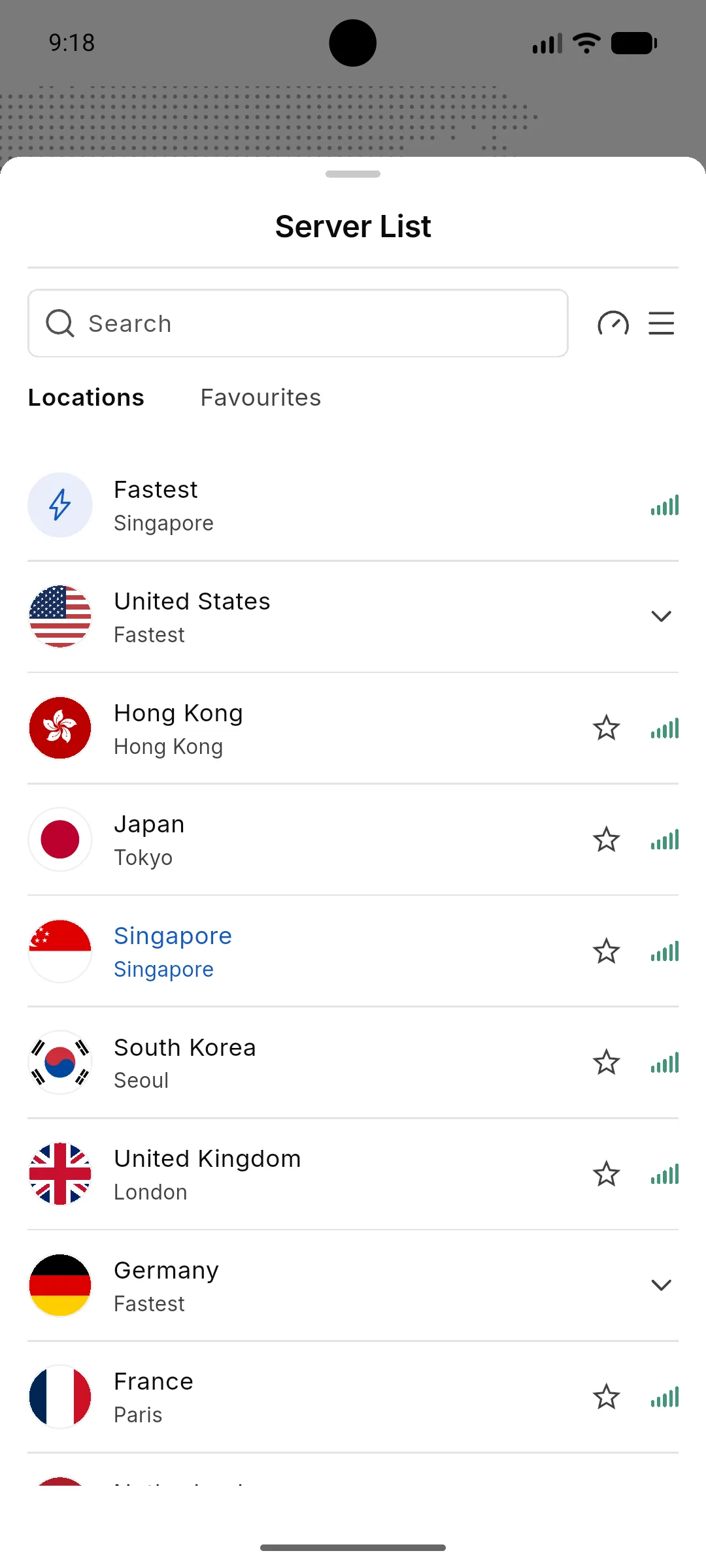
- Choose the server location you want from the server list.
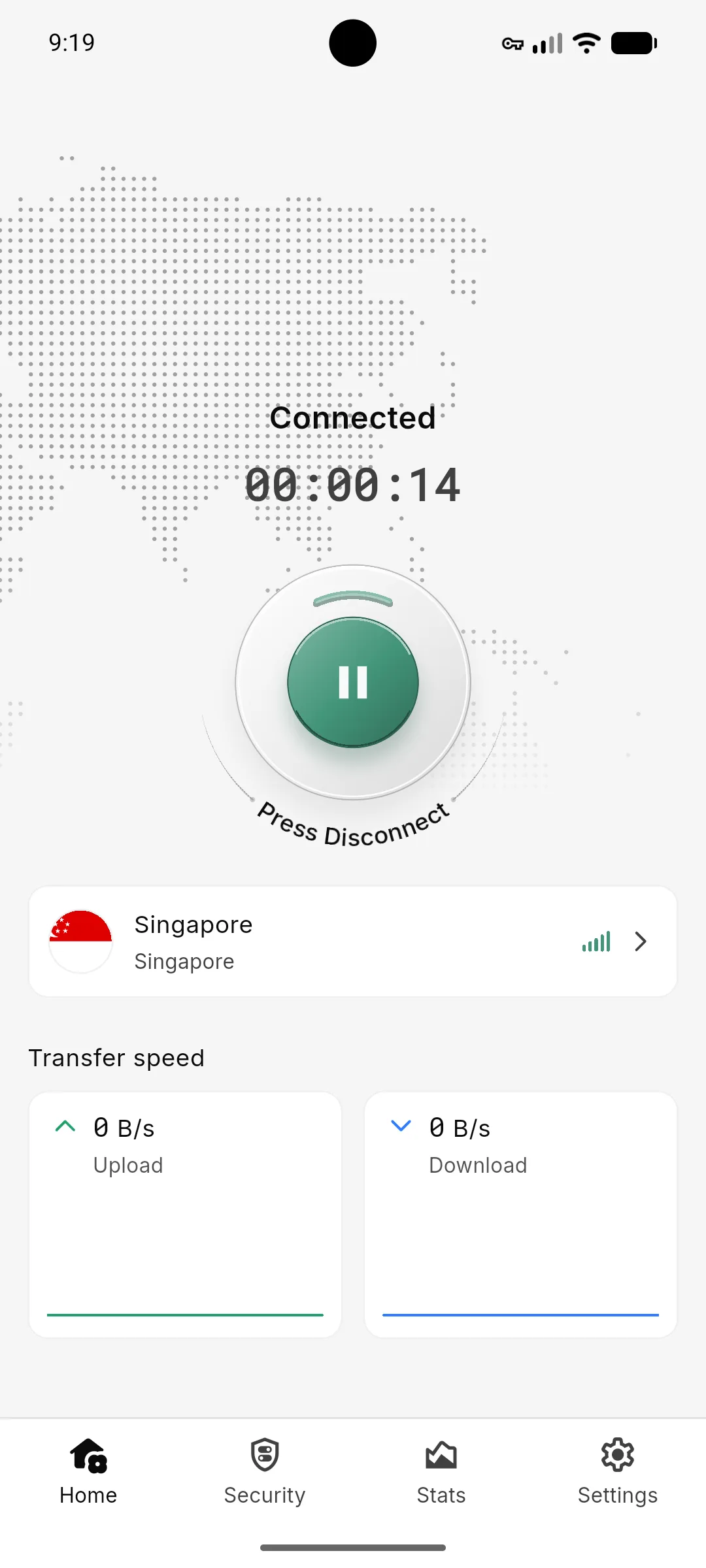
- On the home screen, tap the one-tap Connect button.
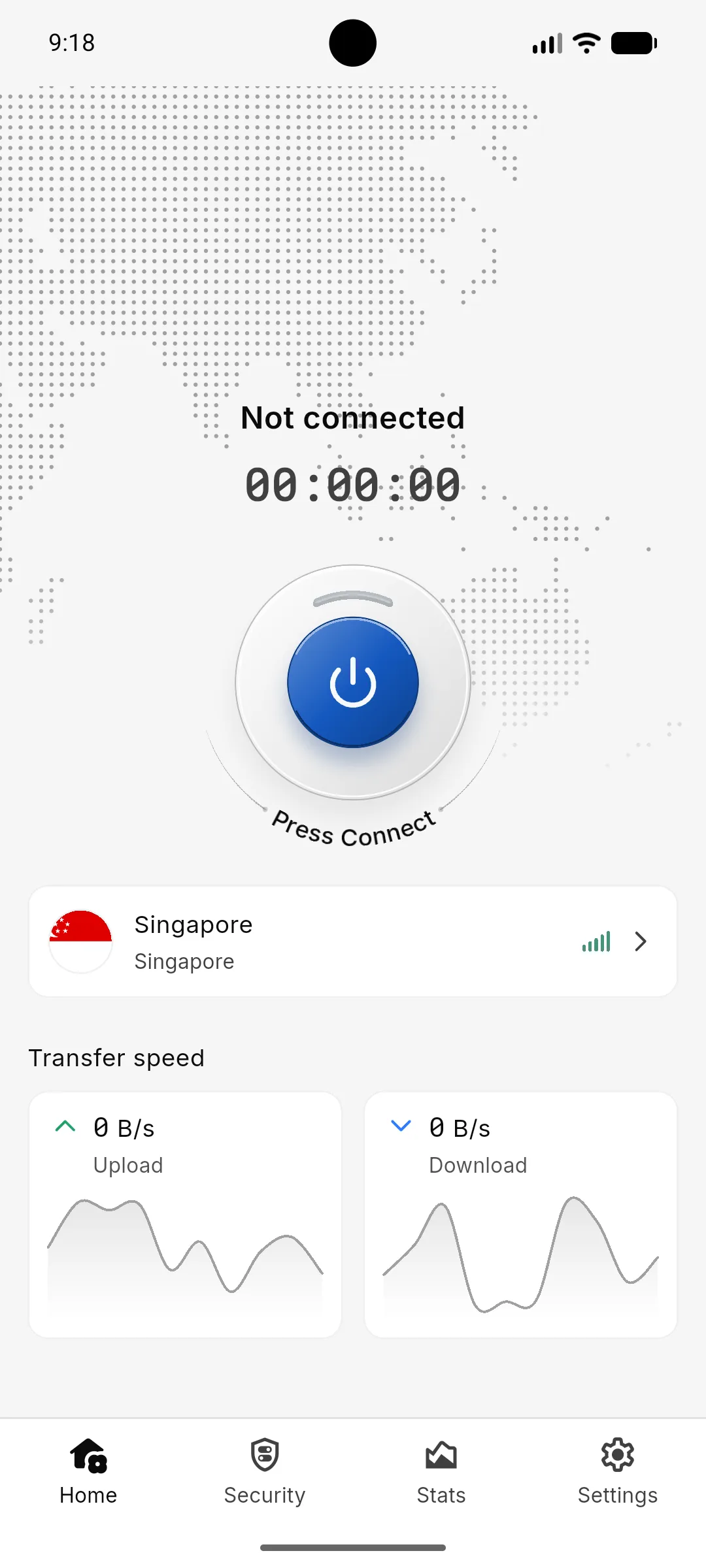
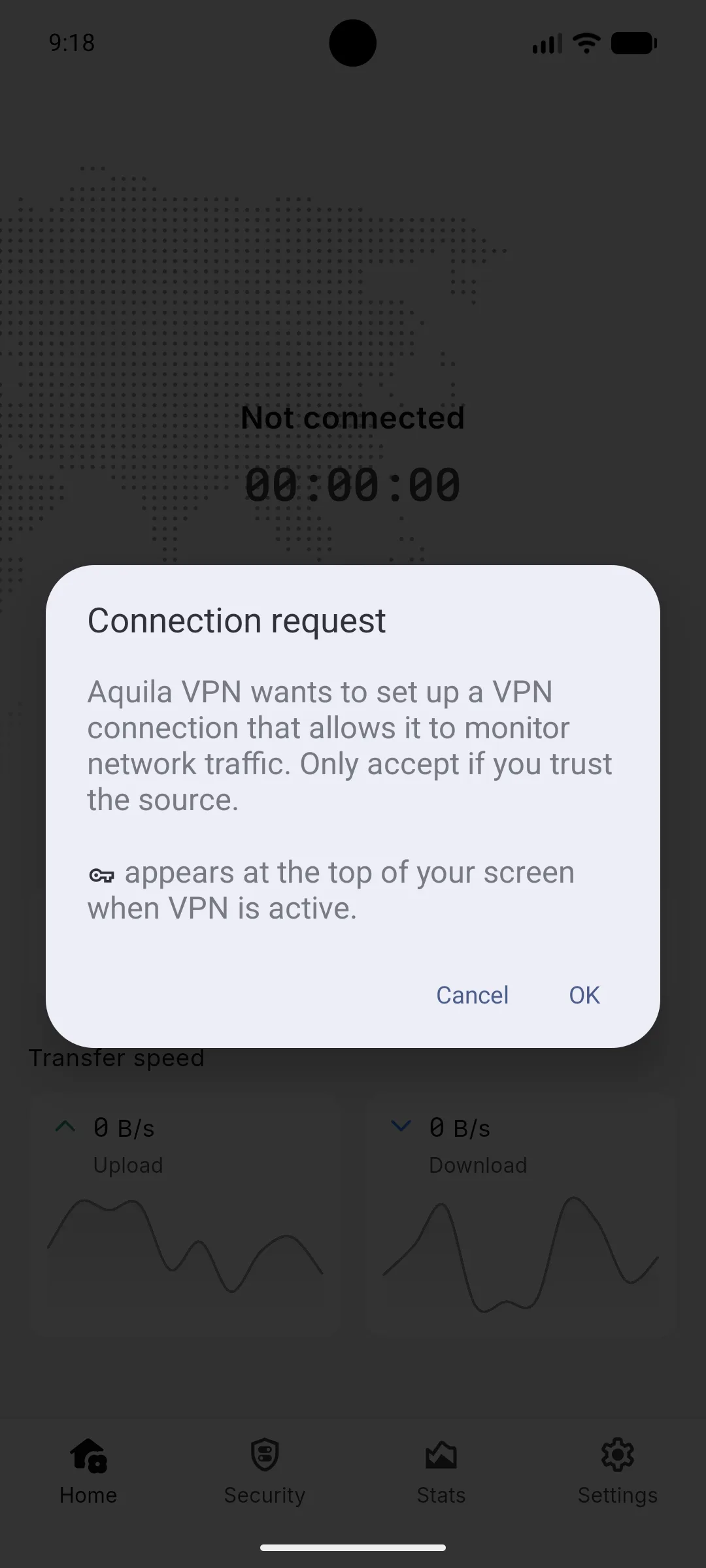
- When Android displays the VPN connection request, tap OK to allow Aquila VPN to set up the VPN. The app will connect. Tap the button again whenever you want to disconnect.