
How do I uninstall Aquila VPN from Android?
Use the steps for Android to remove the Aquila VPN app or browser extension from your device.
Steps
- Disconnect Aquila VPN, then open Android Settings > Apps > Aquila VPN. Menu names may vary by device.
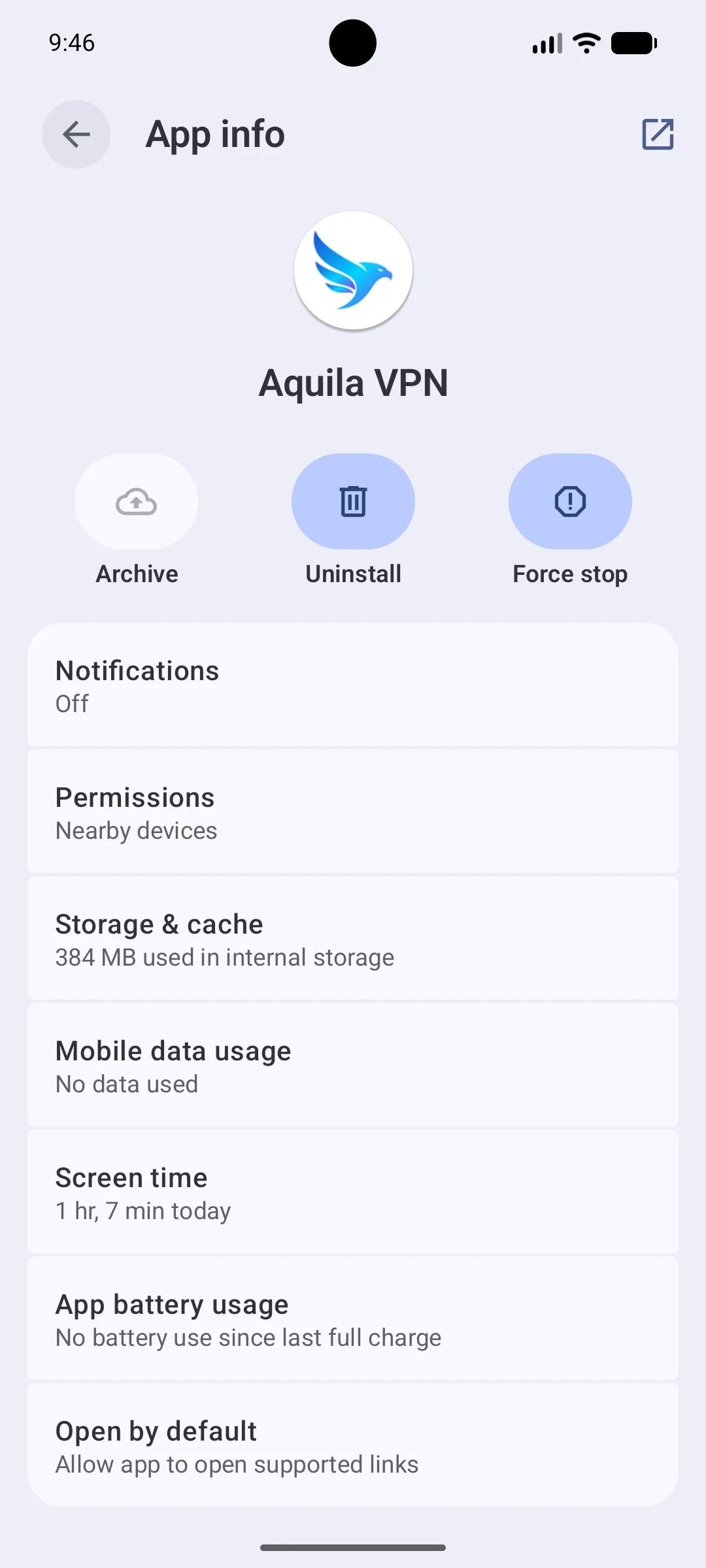
- Tap Uninstall and confirm, or uninstall Aquila VPN from its Google Play listing.
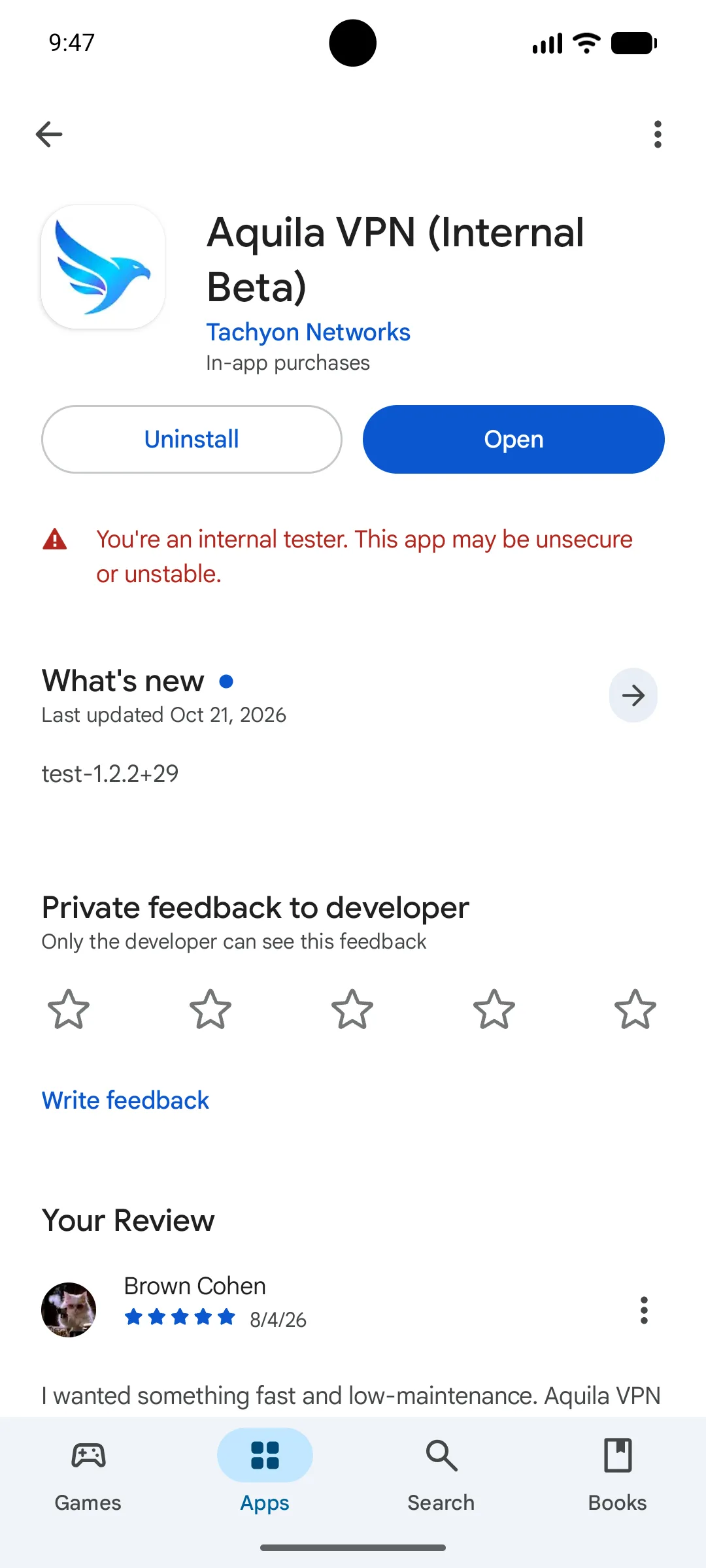
- If Android asks whether to remove app data, choose the option you prefer. Uninstalling the app does not cancel a subscription billed by Google Play.