Open the installed Aquila VPN extension and select LOGIN or Register.
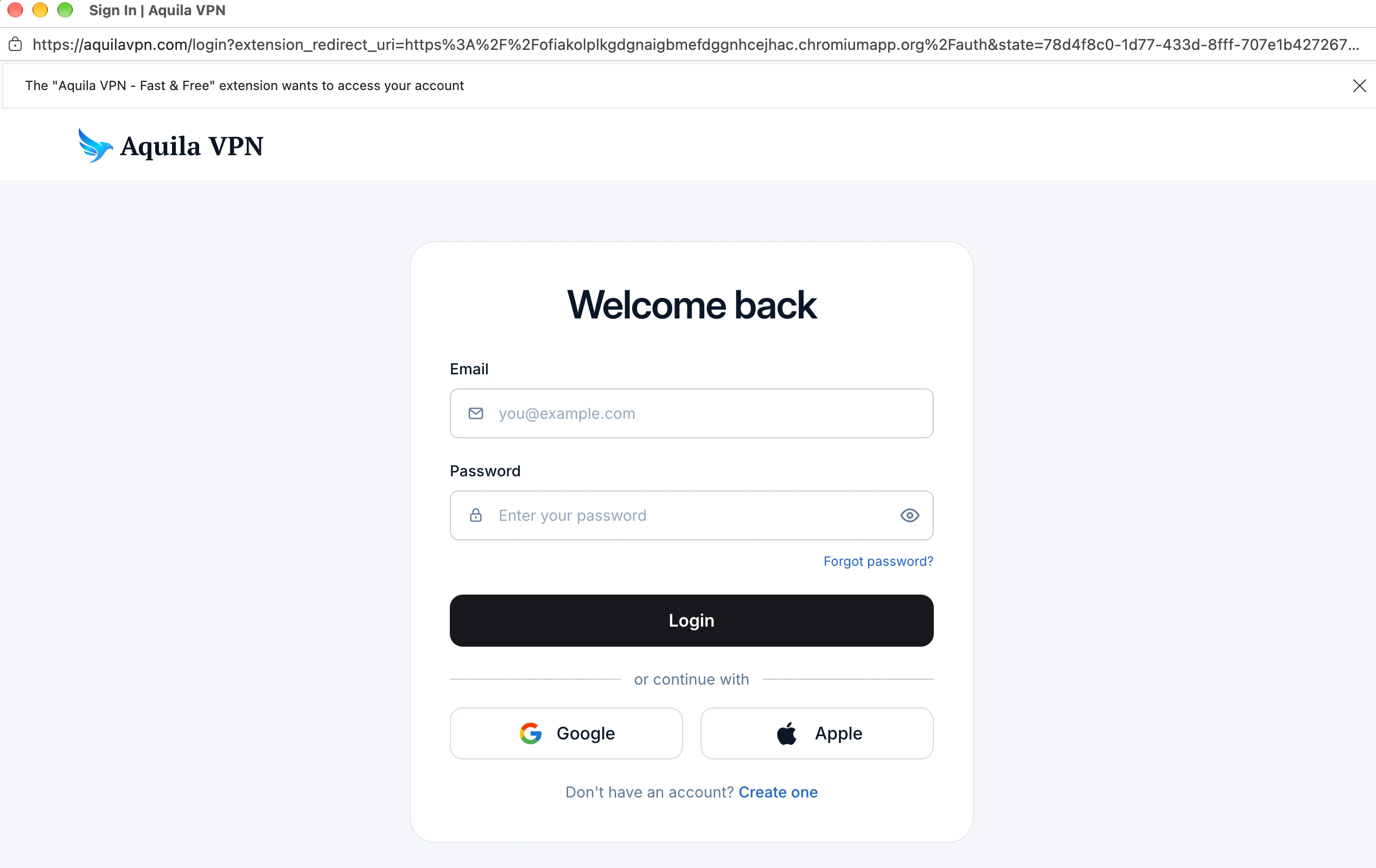
In the popup window on the official Aquila VPN website, sign in to your account or create one.
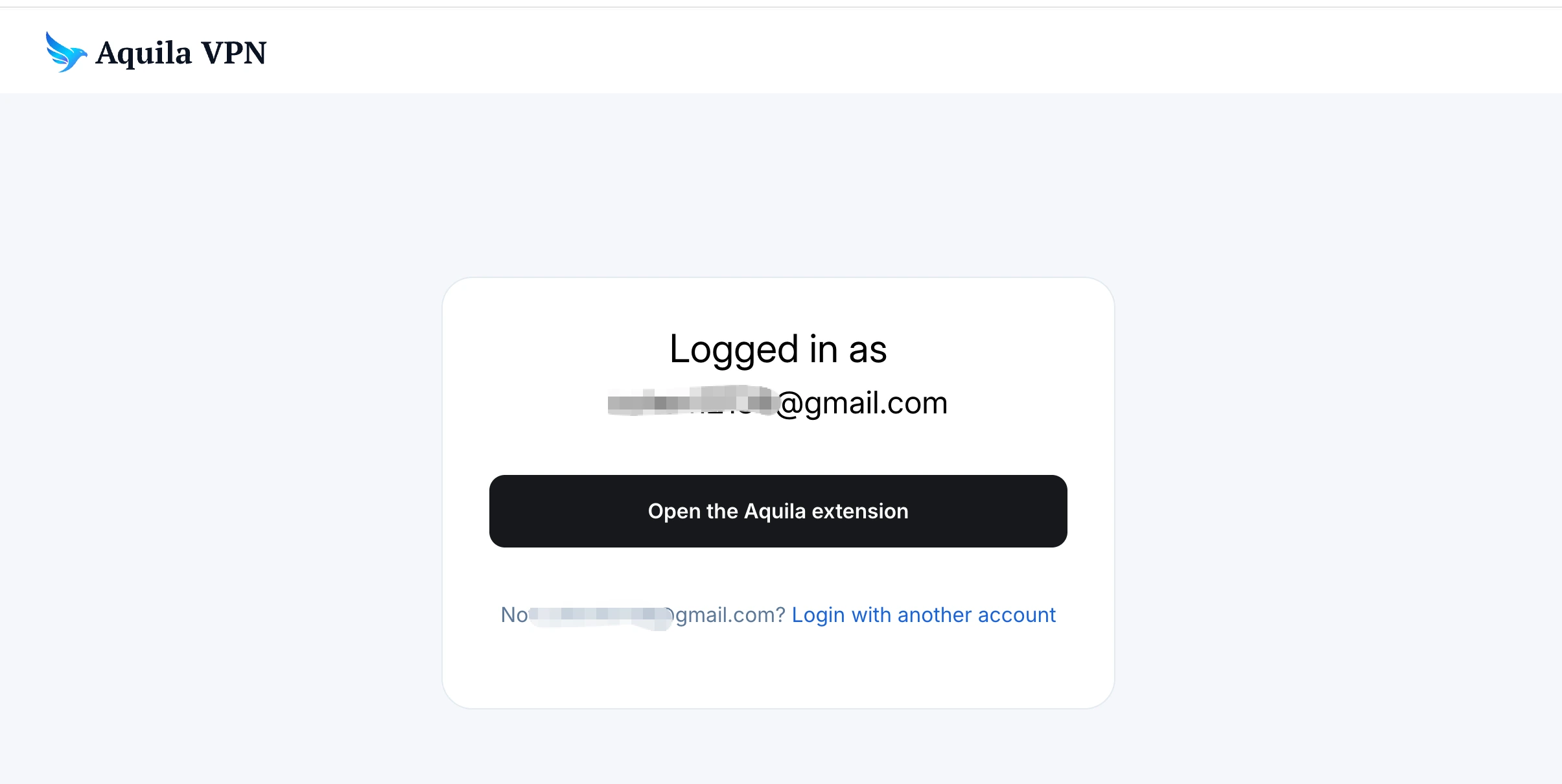
After signing in, confirm the account shown and select Open the Aquila extension to authorize it. The extension will receive the credentials it needs to sign you in.
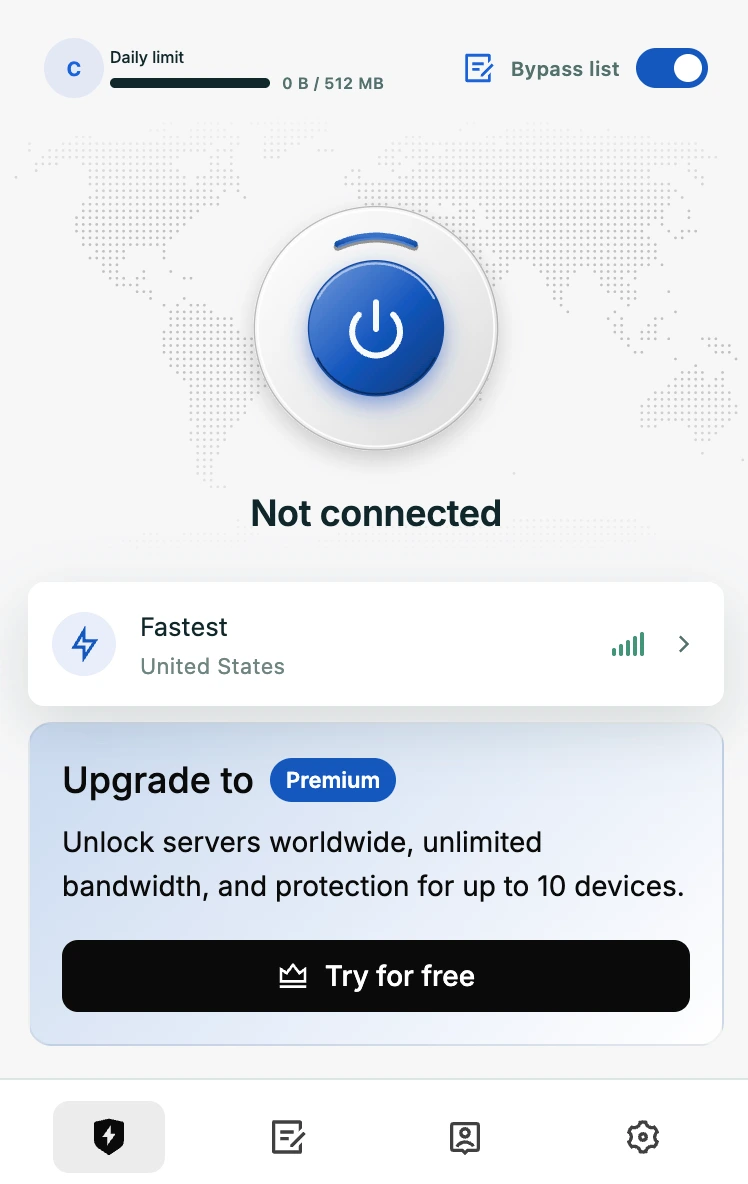
Return to the extension’s VPN page and select the power button to connect. Wait until the status shows that you are connected.