Aquila VPN Support Center
Questions Login Ask a Question
Aquila VPN
Questions Ask a Question
Login
Support Center › Features & Guides › Aquila VPN for Linux › How do I set up Aquila VPN on Linux?

How do I set up Aquila VPN on Linux?

Once Aquila VPN is installed, sign in and turn on VPN from the home page.

Steps

  1. Open Aquila VPN and sign in to your account.
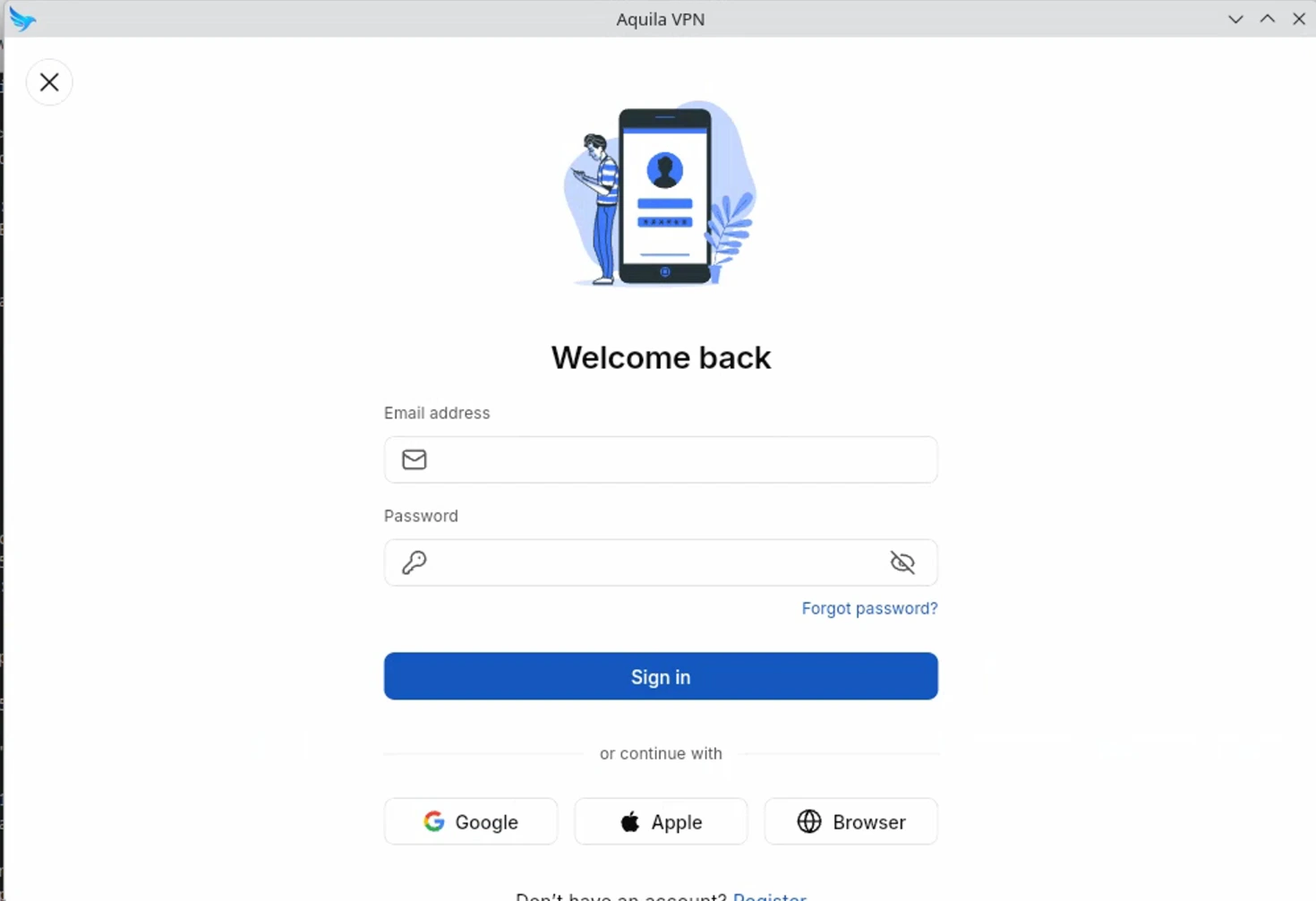
    Aquila VPN Linux sign-in page
  2. On the home page, select the power button to turn on VPN. Wait until the status shows Connected.
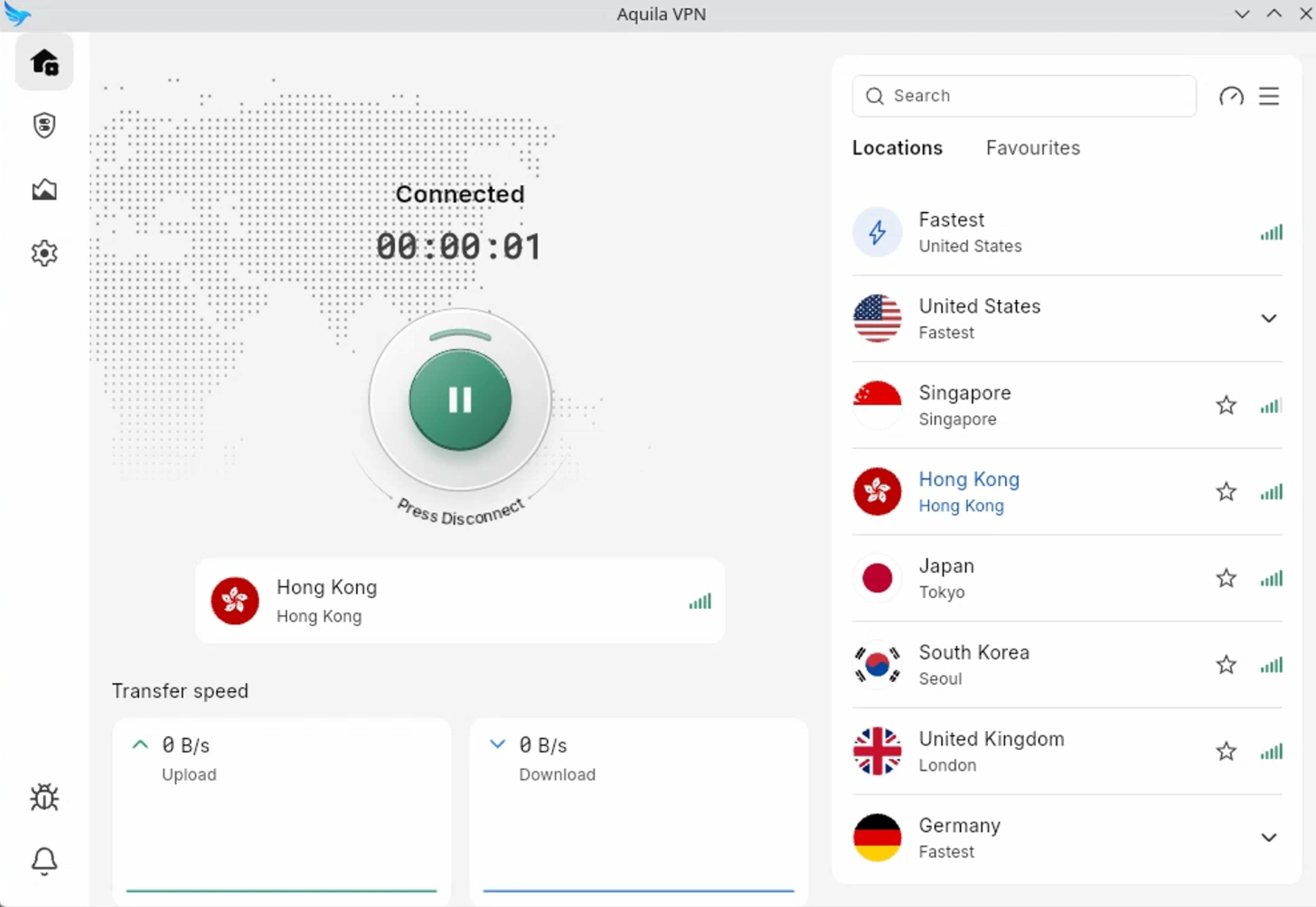
    Aquila VPN Linux home page showing Connected
© 2026 Aquila VPN. All rights reserved.
Privacy Policy Terms of Service