
How do I use Threat Protection on Linux?
Threat Protection uses DNS filtering through Aquila VPN to block domains associated with ads, trackers, malware, and phishing.
It filters domain lookups rather than scanning files, so it is not a replacement for antivirus software and may not block every ad or tracker, especially when content is served from the same domain as a site. Keep Aquila VPN connected for DNS filtering to apply to your traffic.
Steps
- Open Aquila VPN and select Security.
- Turn on Threat Protection. The setting is saved in the app.
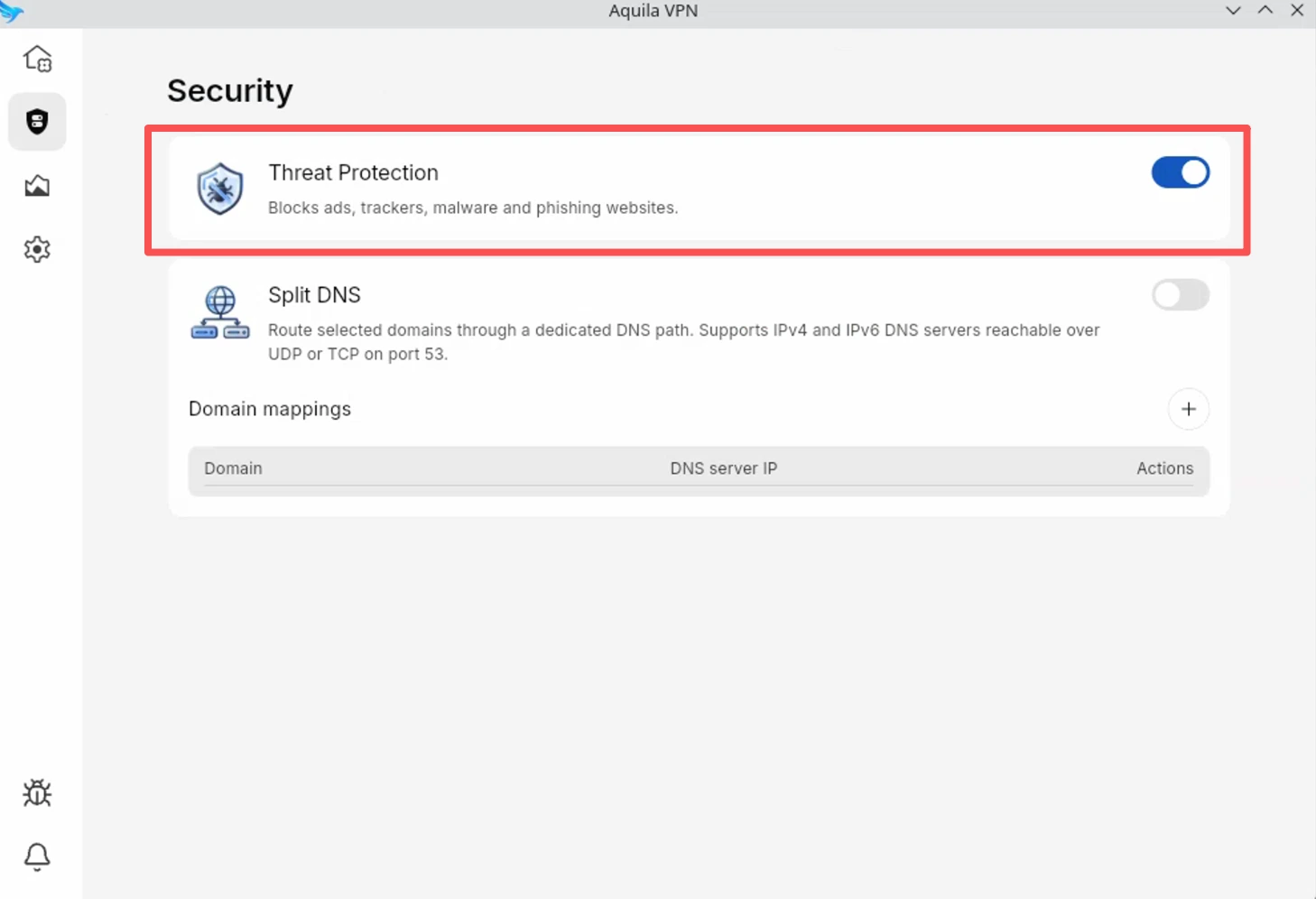
- Keep Aquila VPN connected while browsing to use the filtering. To turn it off, return to Security and switch Threat Protection off.