How do I uninstall Aquila VPN from macOS?
Use the steps for macOS to remove the Aquila VPN app or browser extension from your device.
Steps
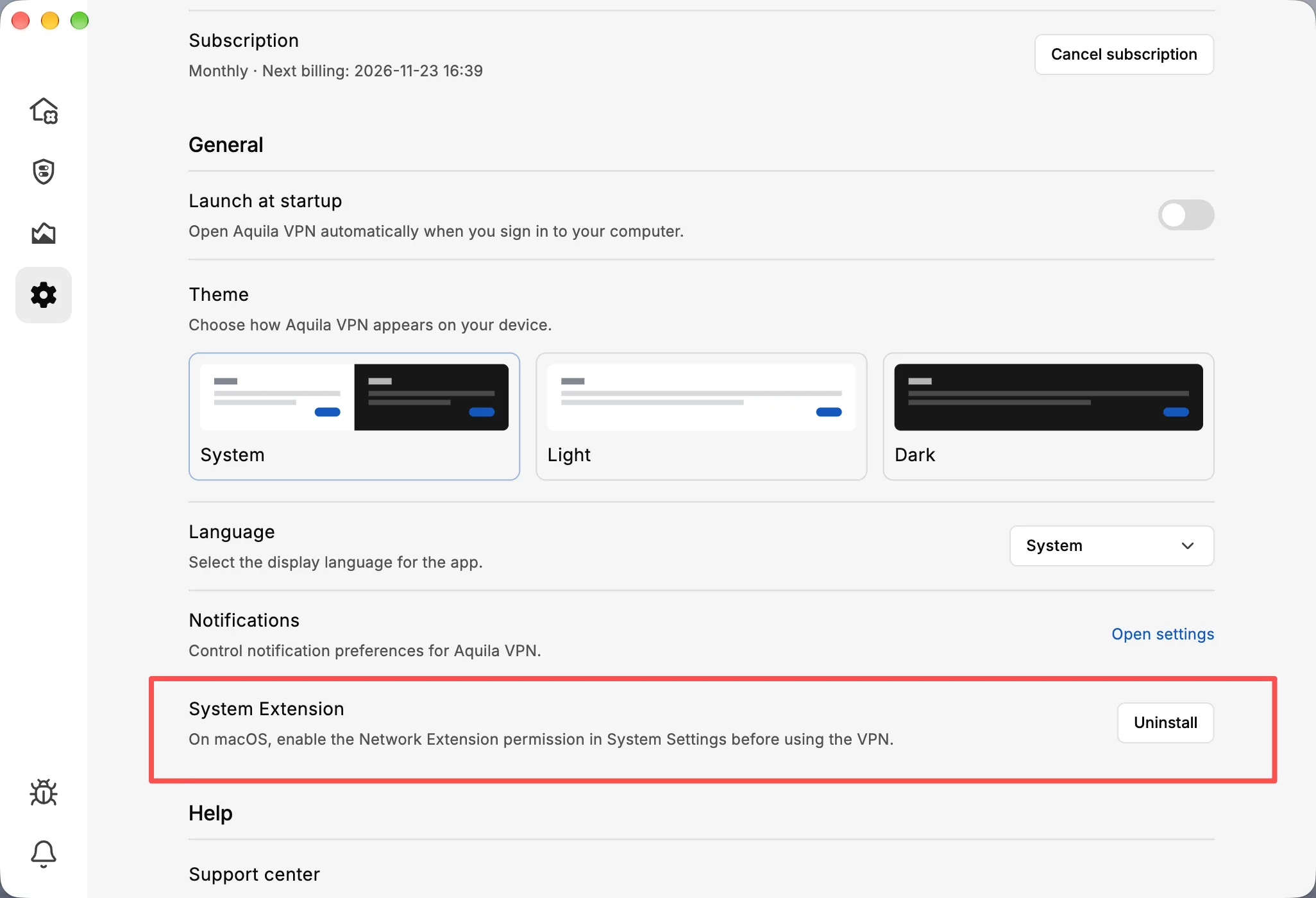
- Open Aquila VPN Settings and find System Extension. Select Uninstall and confirm the removal if macOS asks.
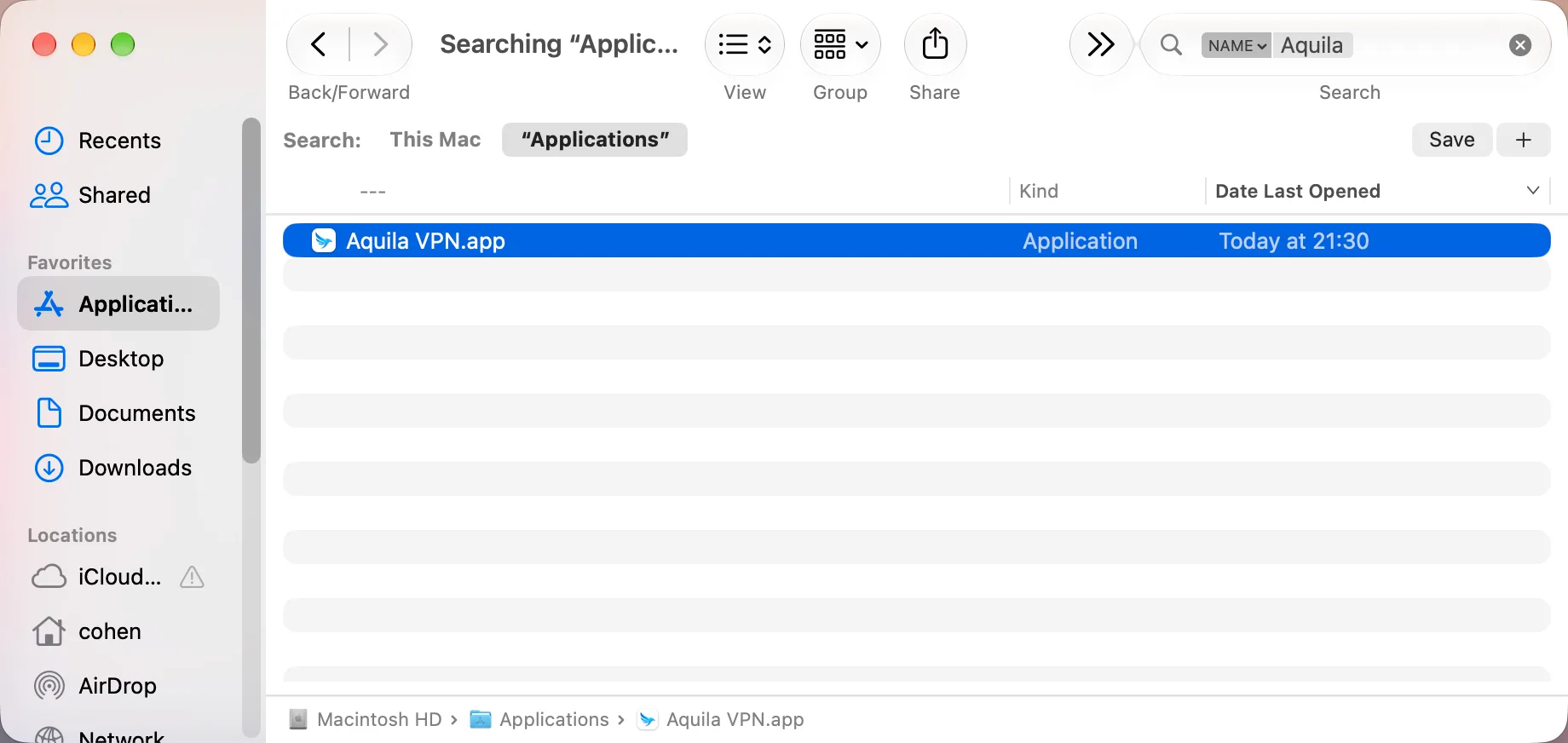
- After the system extension is removed, quit Aquila VPN. In Finder, open Applications and move Aquila VPN.app to the Trash.