
How do I use Connection Shield on macOS?
Connection Shield asks macOS to reconnect Aquila VPN on demand if the VPN disconnects, reducing the time your Mac may be outside the VPN.
On macOS, Connection Shield relies on the Aquila VPN configuration in system VPN settings. It does not enable Android's “Block connections without VPN” lockdown setting, so it cannot guarantee that all traffic is blocked if the VPN is unavailable or its system configuration is disabled or removed. Keep the Aquila VPN configuration enabled and check that the app shows a protected connection when you need VPN coverage.
Steps
- Open Aquila VPN and select Security.
- Turn on Connection Shield. If macOS asks to add or update the Aquila VPN configuration, approve the prompt.
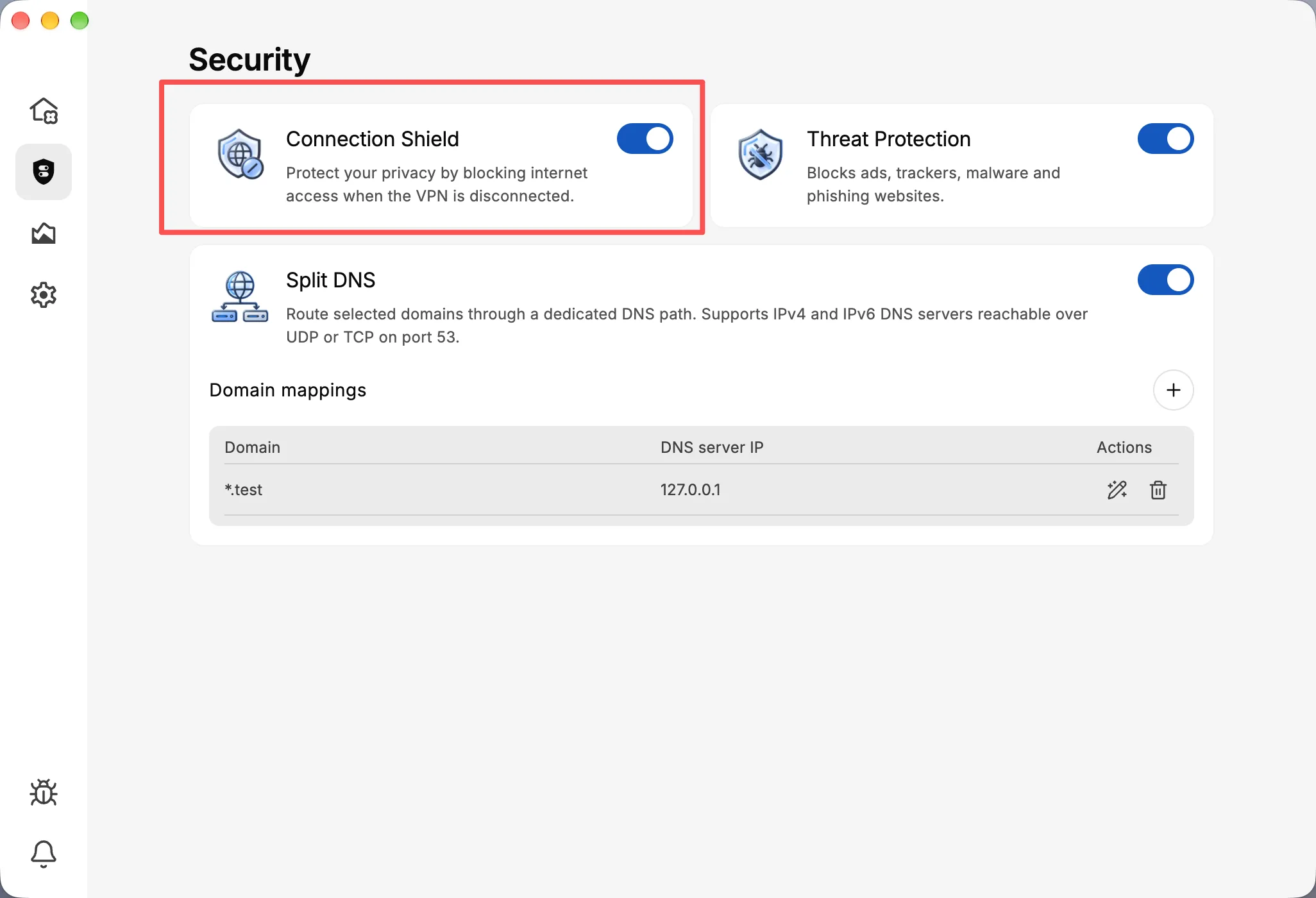
- Keep the Aquila VPN configuration enabled in macOS VPN settings. Turn Connection Shield off in Aquila VPN when you no longer want on-demand VPN connections.