
How do I connect and change locations on Windows?
Sign in to Aquila VPN, then choose a location from the home page.
Steps
- Open Aquila VPN and sign in.
- Choose a country or city from the location list, or select Fastest.
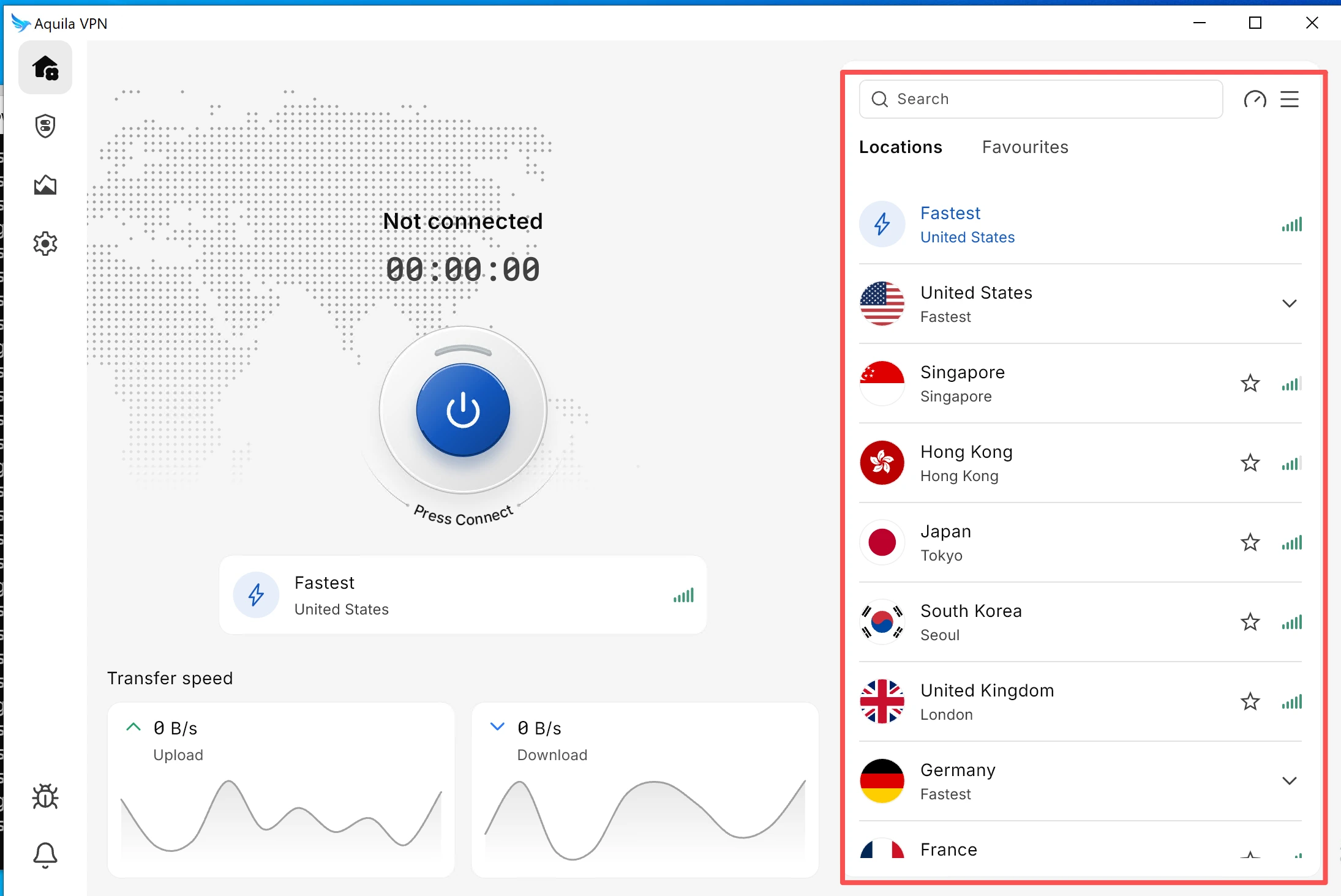
- Press the power button and wait for Connected.
- To change locations, select another location and reconnect if needed.