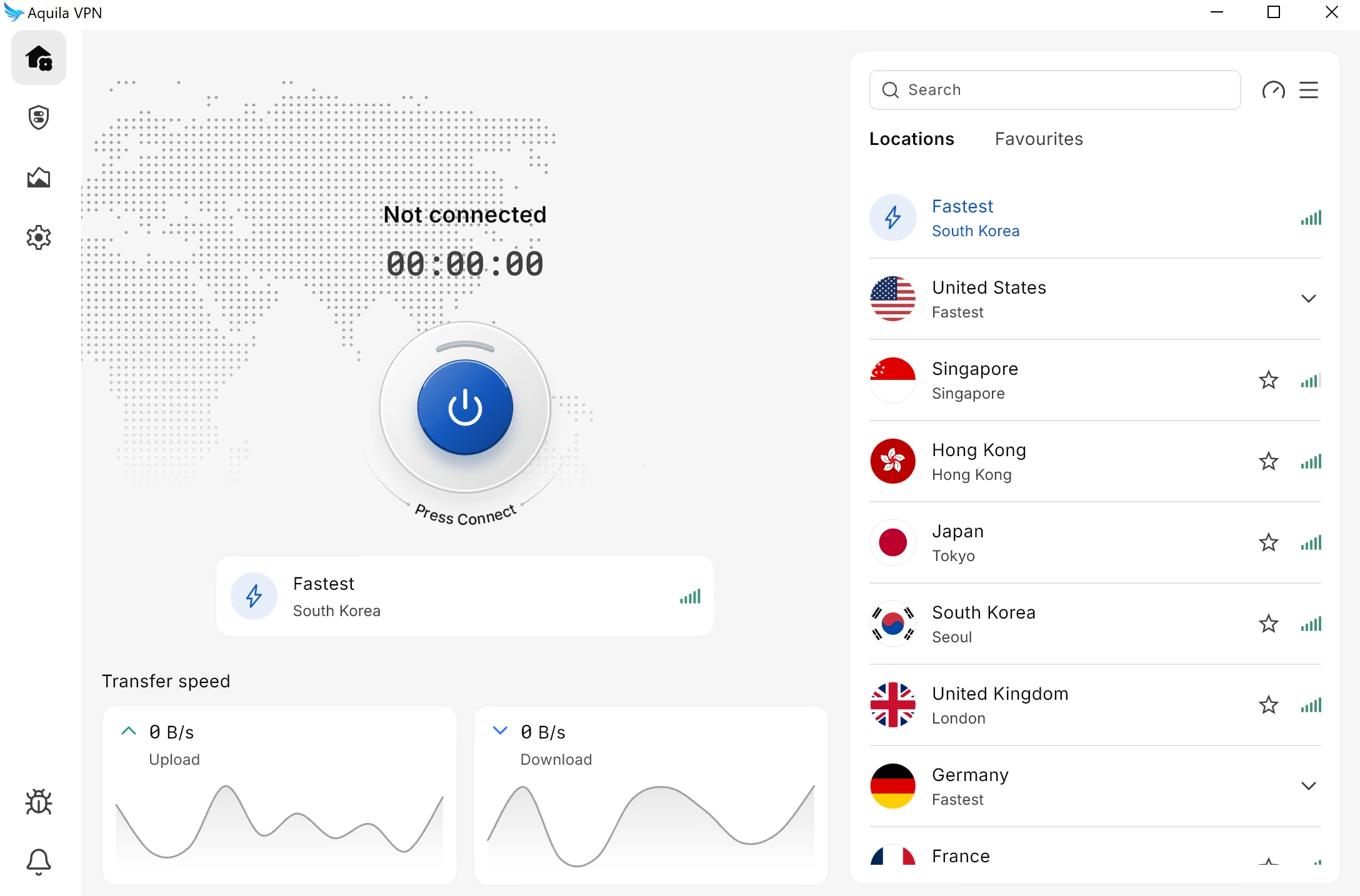
How do I set up Aquila VPN on Windows?
Install Aquila VPN, sign in, and connect on Windows.
Steps
- Download and install Aquila VPN from the official Windows download page.
- Open Aquila VPN and sign in, or create an account.
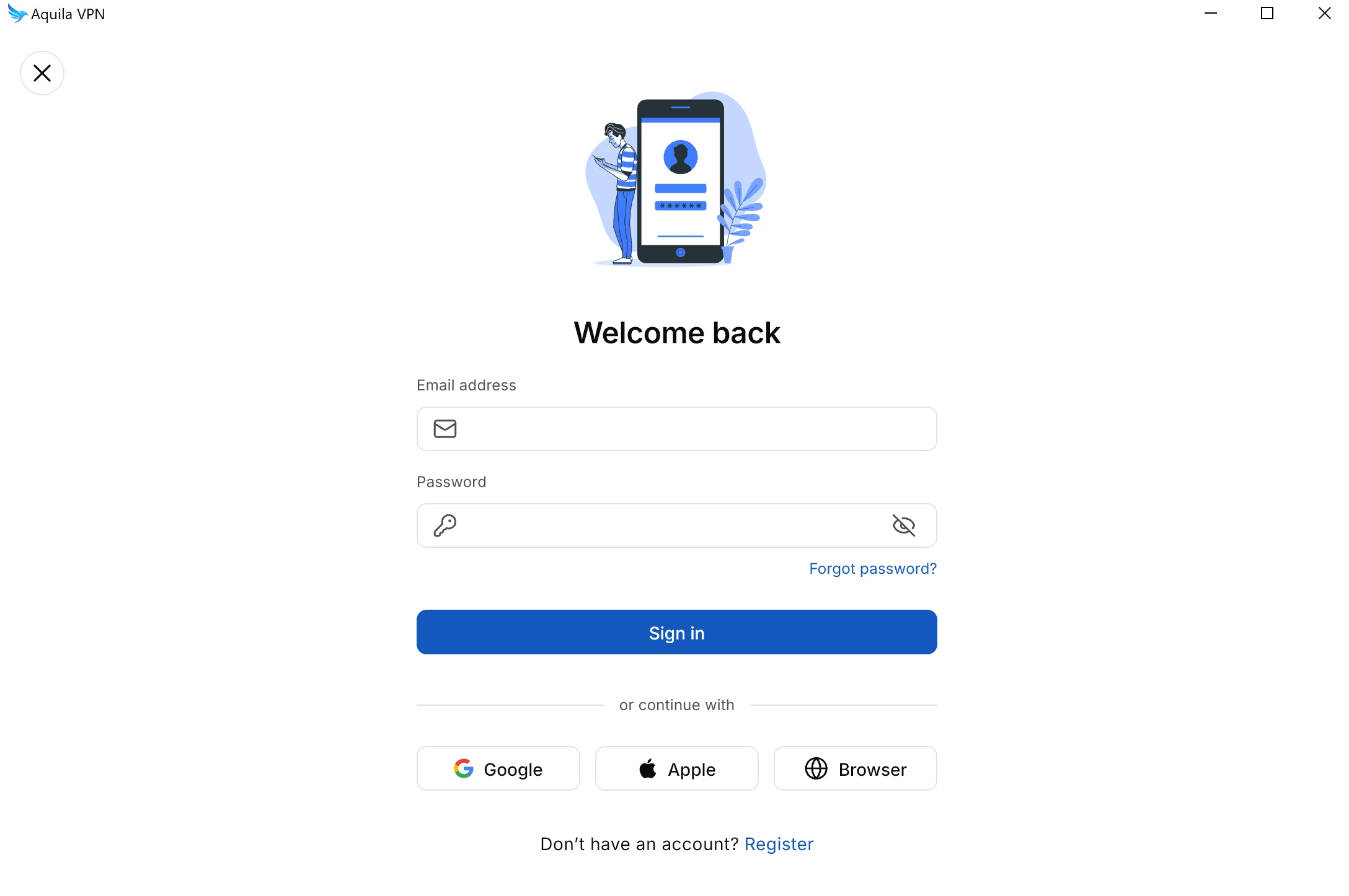
- Approve any system prompt for the official Aquila VPN app.
- Choose a location, press the power button, and wait for Connected.