How do I reset my password?
If you forgot your password, reset it using the email address registered to your Aquila VPN account. You need access to that inbox to receive a verification code.
Keep the verification code private. If the email does not arrive, check your spam folder and confirm that you entered the correct account email.
Steps
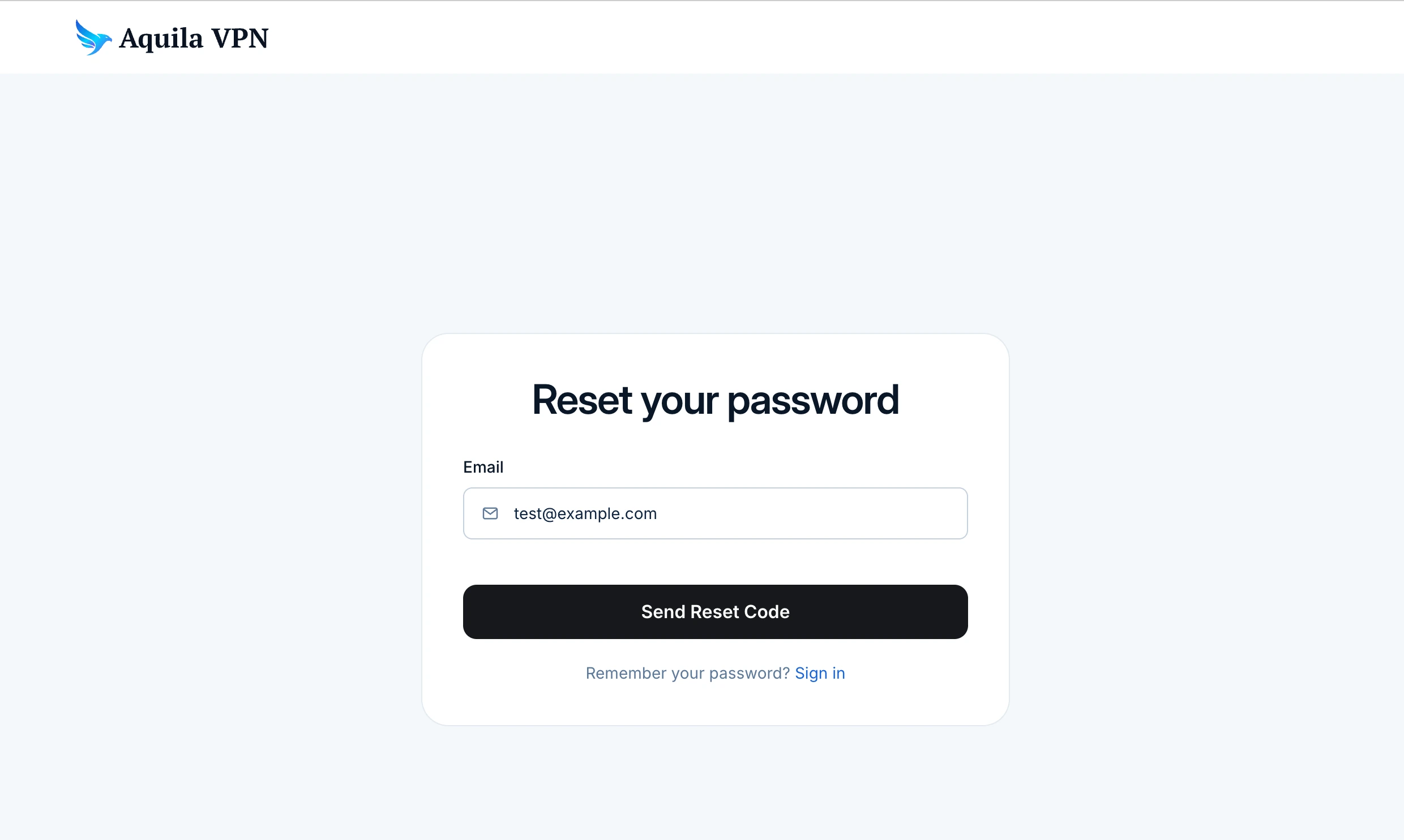
- Open the password reset page, enter your account email, and request a verification code. Reset Password ↗
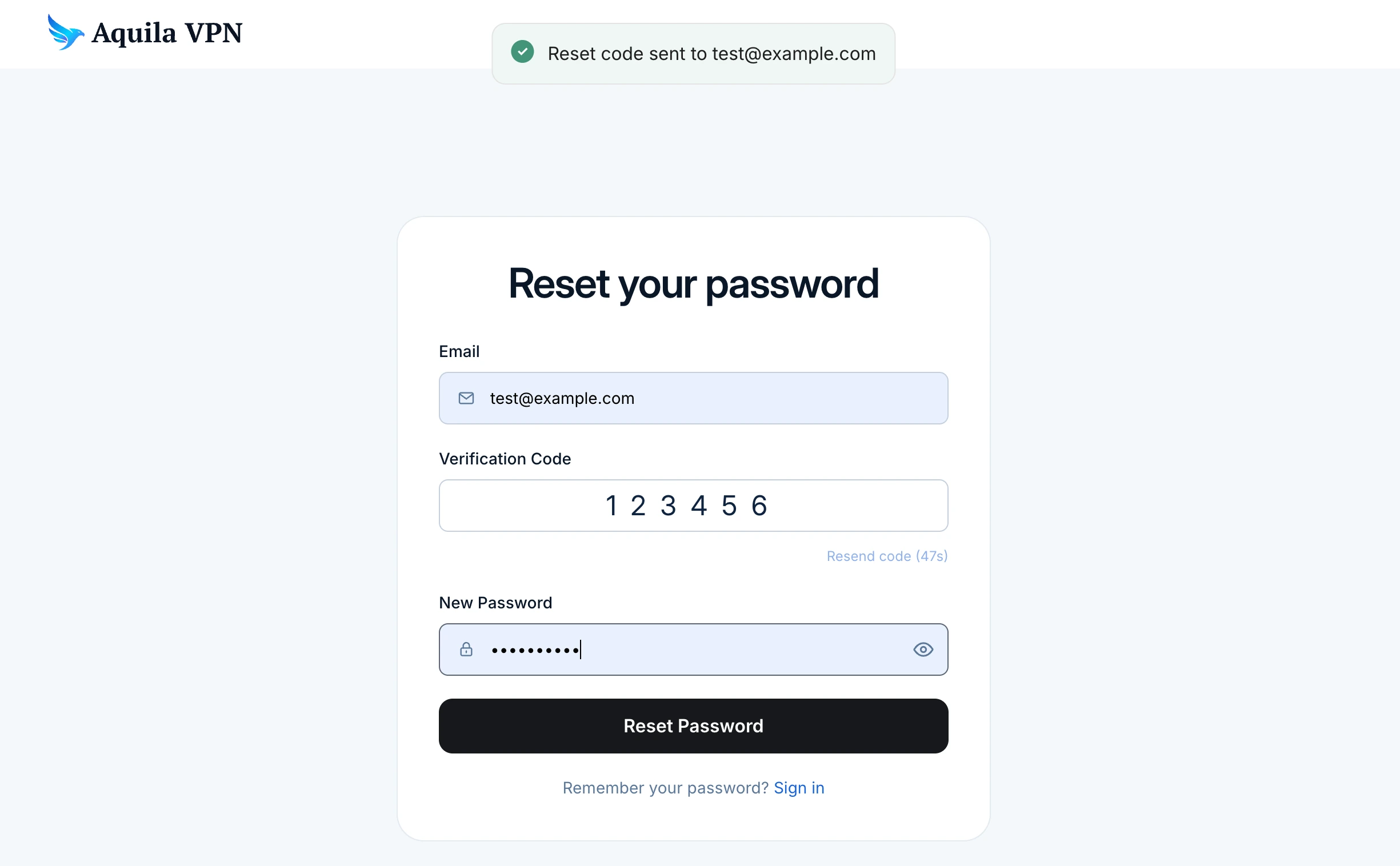
- Enter the six-digit email verification code and a new password, then select Reset Password. Once the reset succeeds, sign in with your new password.