How do I subscribe to Aquila VPN?
Subscribe on the Aquila VPN website, or use Google Play from the Android app. Follow the steps for the payment method you want to use.
Before confirming, review the plan price, any trial period, renewal terms, and the billing provider shown during checkout.
Subscribe on the website (Recommended)
- Open the pricing page. Pricing ↗
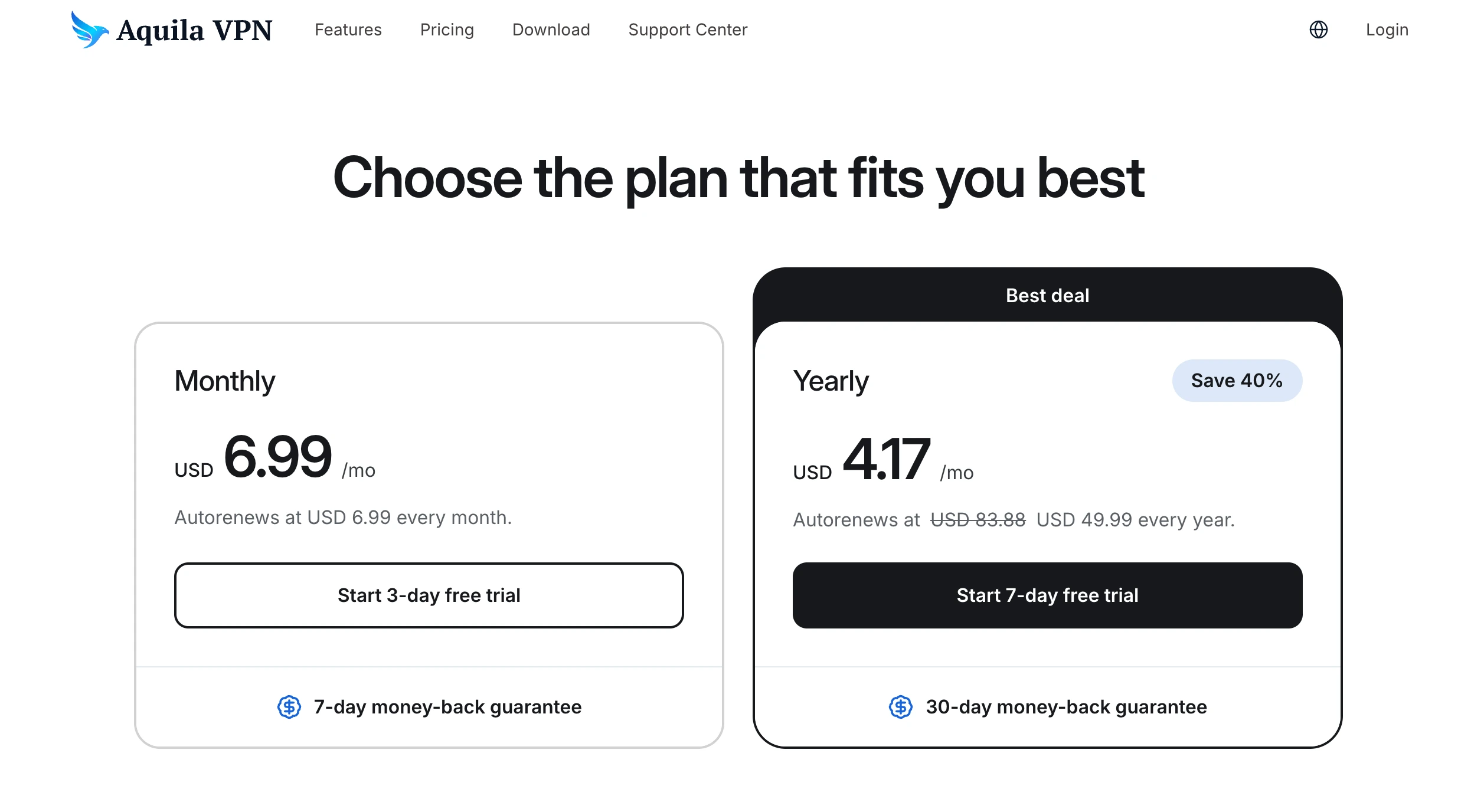
- Choose the plan you want and continue to checkout.
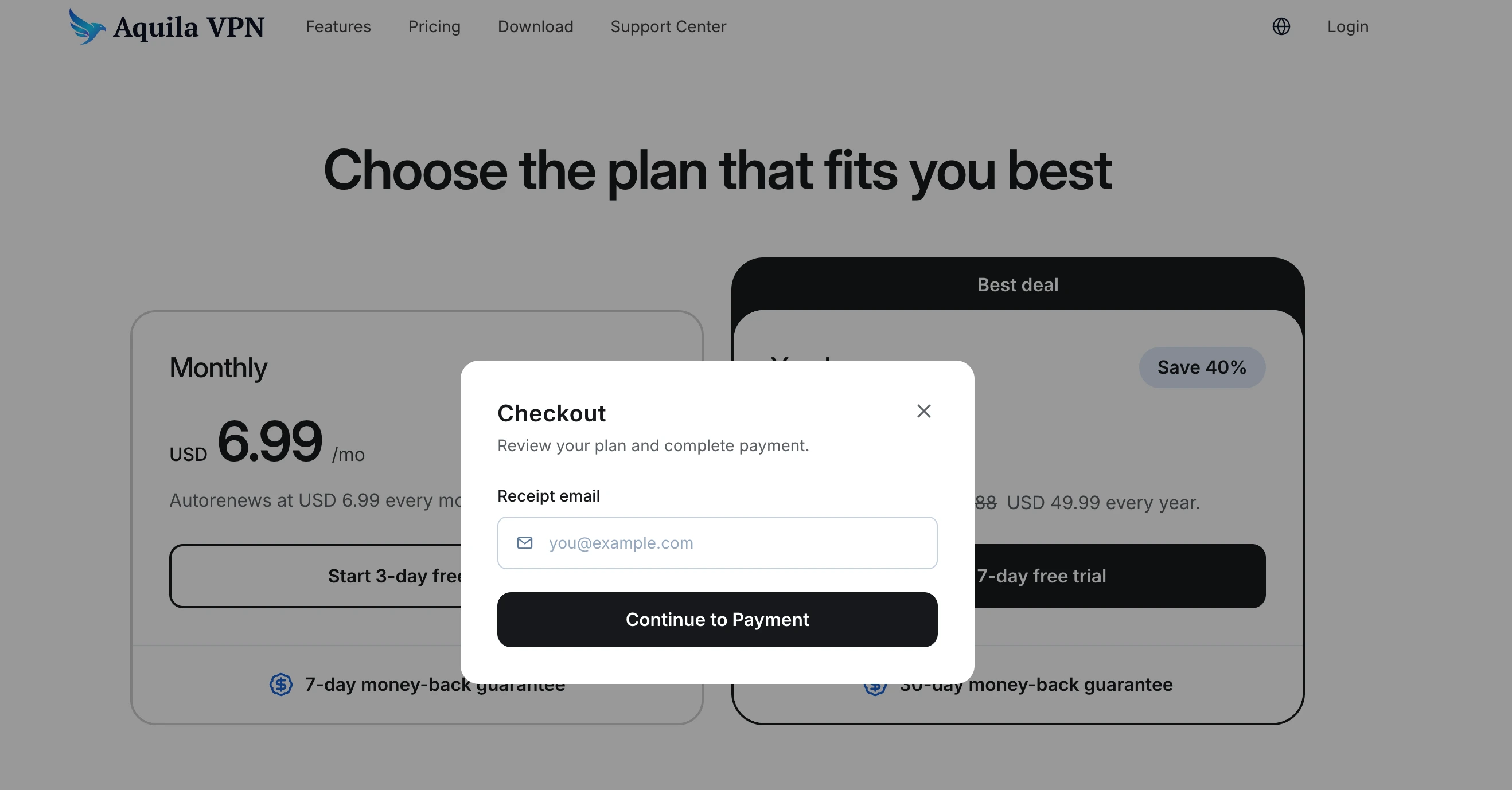
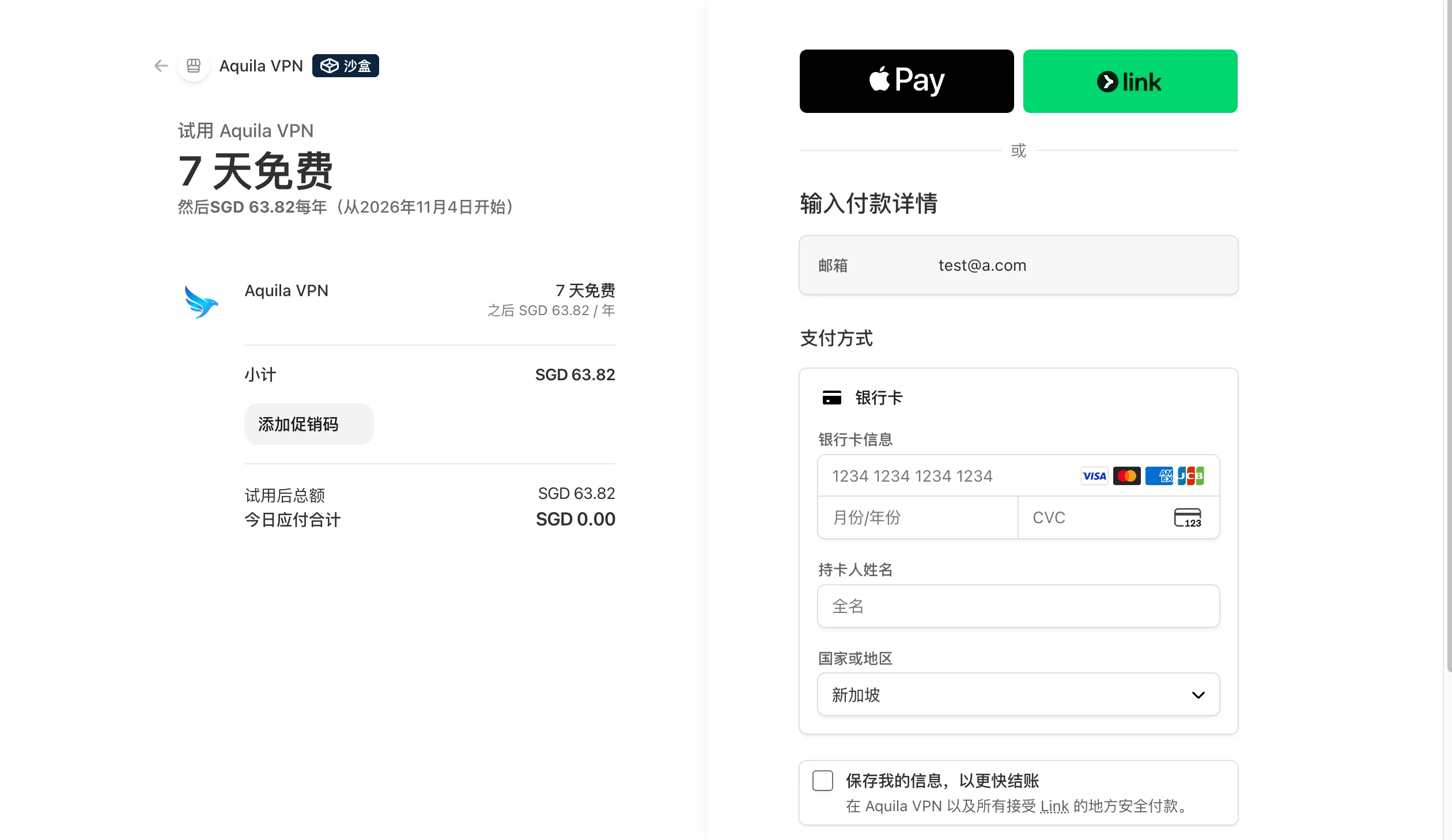
- Confirm that the account email is correct, then select a supported bank card or another available payment method and complete payment.
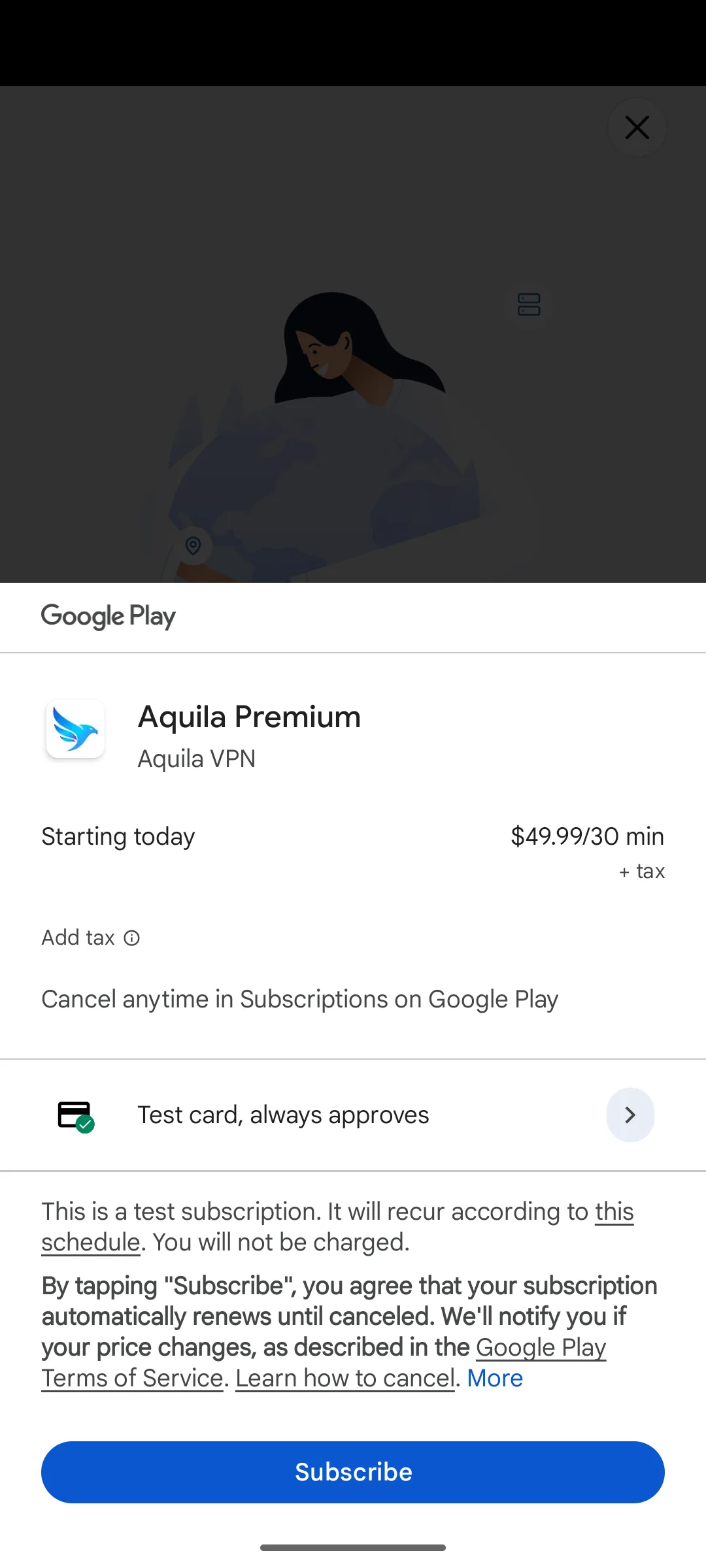
Subscribe on Android with Google Play
- Open Settings in the Aquila VPN app.
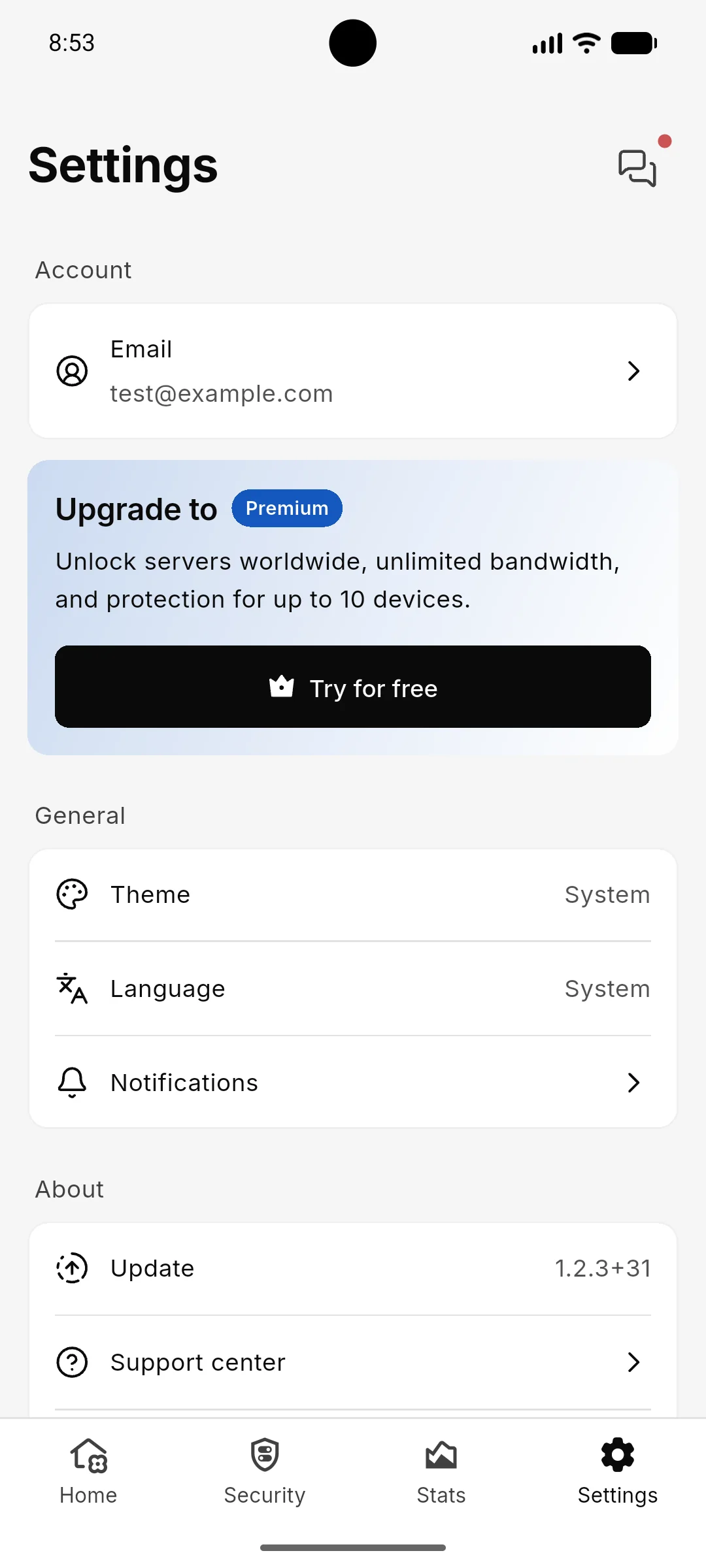
- Tap Upgrade to Premium to open checkout, then choose a subscription plan.
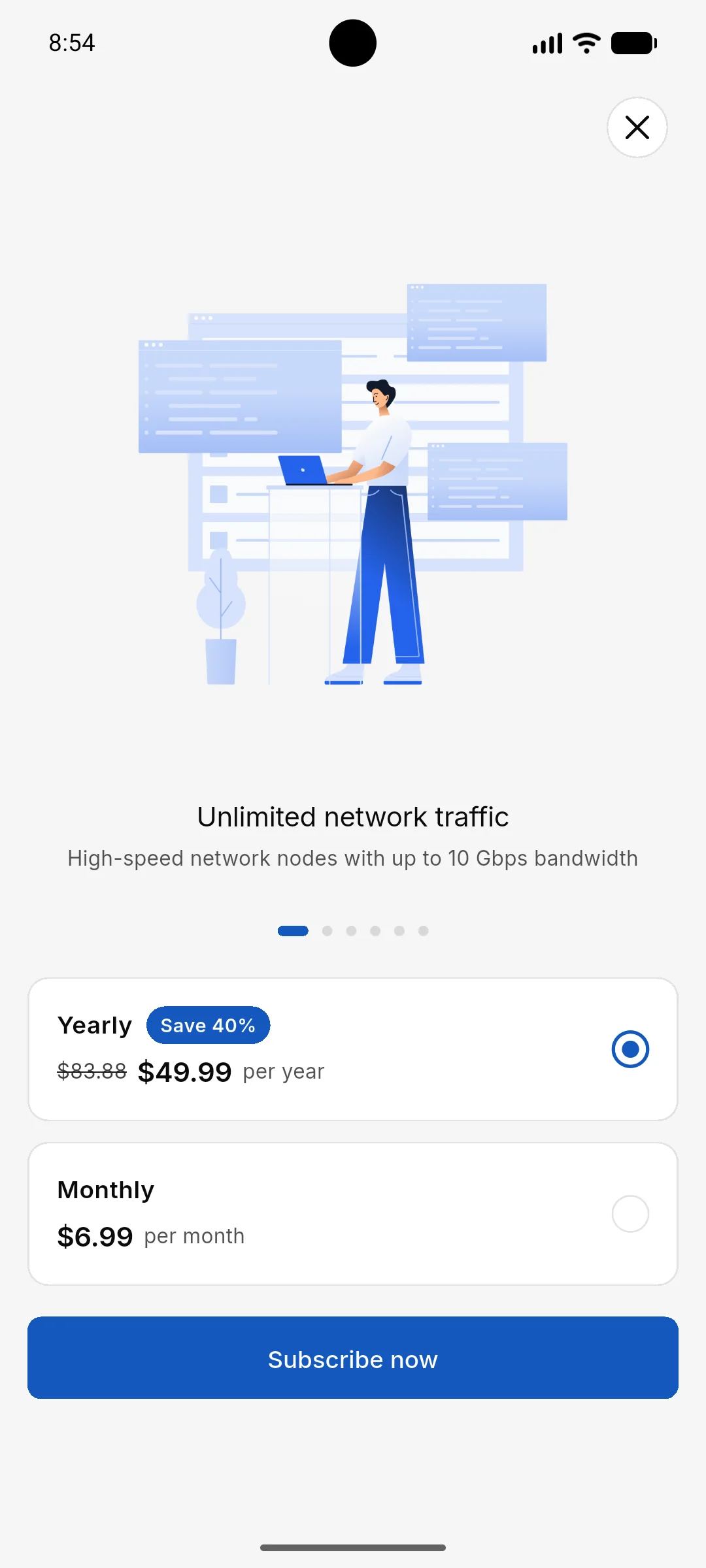
- Complete the purchase in the Google Play subscription sheet.