
Wait for the Android TV release
The Aquila VPN Android TV app is coming soon. Download and installation instructions will be published with the release.
Aquila VPN for Android TV is coming soon. This page will hold the setup flow and download details.
Aquila VPN for Android TV is coming soon. Supported Android TV versions, TV device architectures, storage requirements, and remote-control setup will be published with the release.
Open the app, choose your connection, and get protected in three simple steps.
The Aquila VPN Android TV app is coming soon. Download and installation instructions will be published with the release.
Once available, sign in with an Aquila account that has an active subscription or free trial.
Choose the location that best fits your needs, connect from your TV, and enjoy a safer, more private internet.
Built to keep your connection private, secure, and easy to use on Android TV.
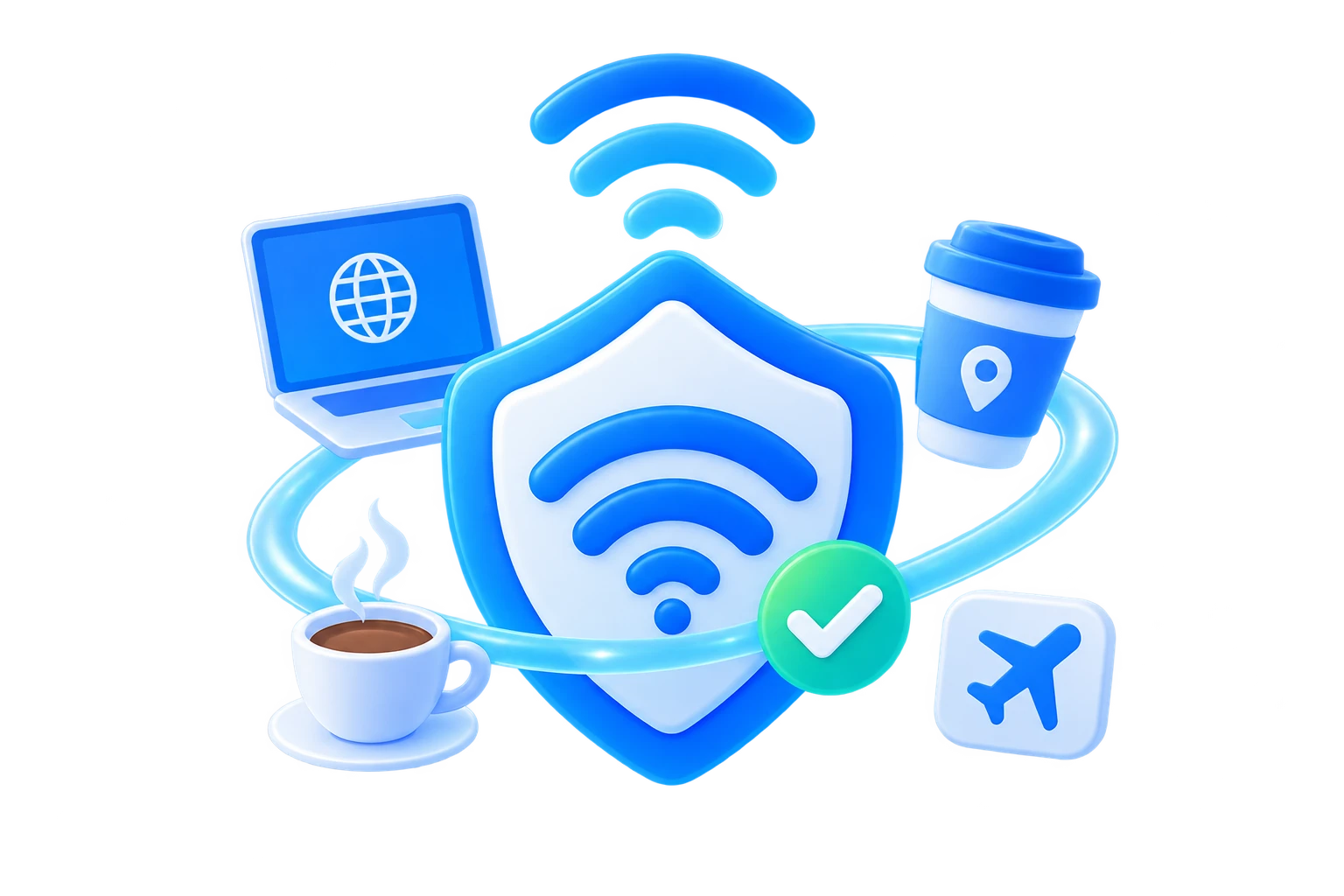
Automatically protect your connection when you join unfamiliar networks at cafés, hotels, airports, or other public places.
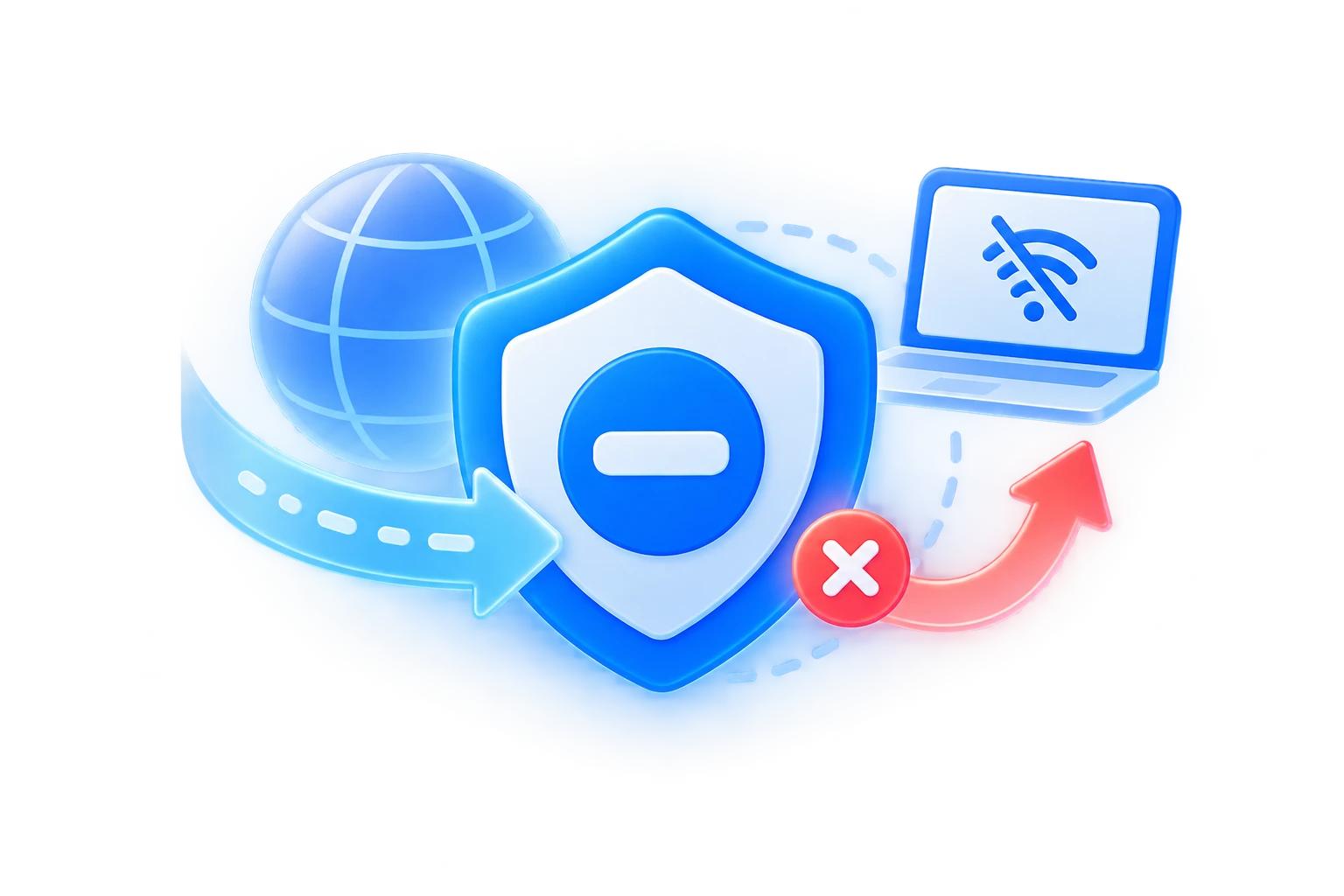
Helps prevent traffic from leaving your device unprotected if the VPN connection is interrupted unexpectedly.
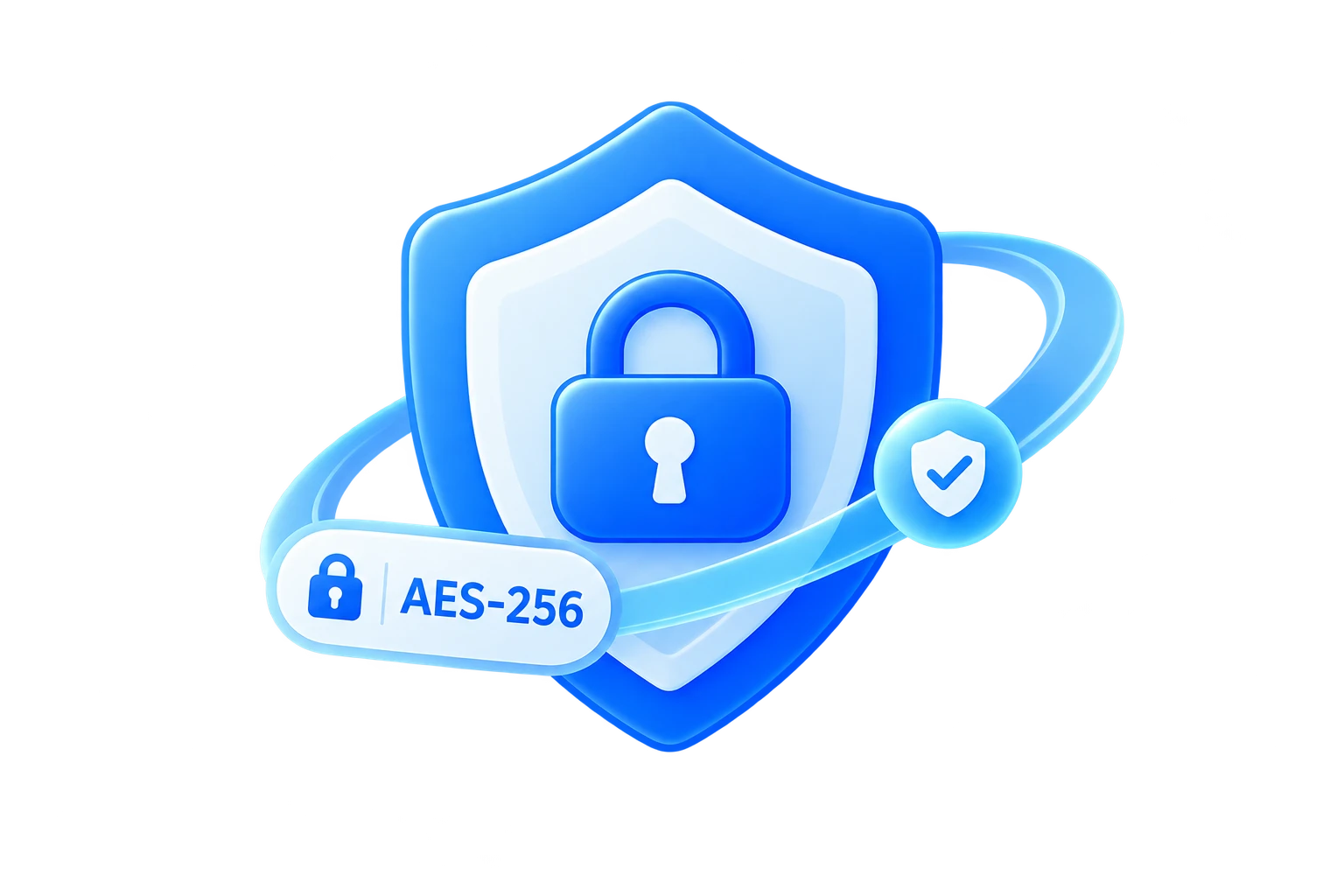
Secure your internet traffic with strong encryption designed to keep your connection private on everyday networks.
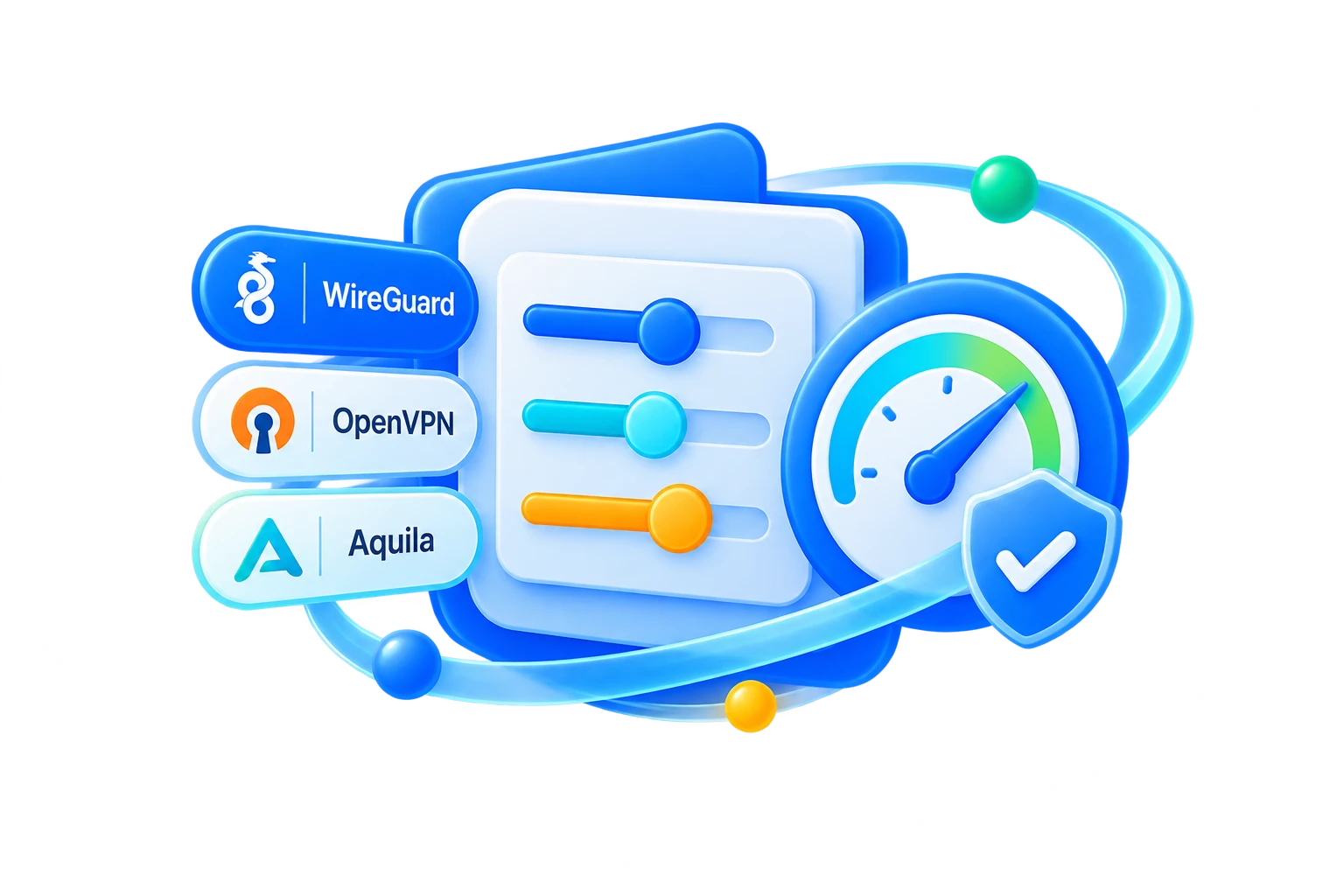
Use modern VPN protocols selected for a practical balance of speed, stability, and protection on your platform.
Keep your browsing activity and real network details more private while you work, stream, travel, or browse online.
Help protect against malicious websites, phishing links, trackers, and other online threats while you browse and connect.
Answers to common questions about Aquila VPN on Android TV.
The Android TV page is currently prepared for the upcoming release. The final store listing, compatible TV versions, and installation steps will be published when the build is ready.
Compatibility depends on the final Android TV package and device support. Do not sideload an unverified APK; wait for the official Android TV release details.
The Android TV experience will be documented with remote-friendly connection and location controls before release.
The planned Android TV app will use the same Aquila account as your other supported devices. The final release notes will confirm simultaneous-device limits and sign-in requirements.
Check the official release requirements and supported TV models when the app is published. Do not install an APK intended for phones unless the official Aquila documentation explicitly confirms TV support.